Your support team reads tickets while your CX team reads NPS comments. Each group sees a slice of the customer, and nobody sees the whole thing. Omnichannel VoC fixes that by putting every source in one stream.
The Problem With Feedback Silos
Forrester's 2025 State of Feedback Management survey found that companies collect plenty of customer feedback but don't use it well. Silos are a big reason. Data spread across separate reporting tools never gets compared.
Customers also spread their feedback around. Qualtrics research found that consumers send negative feedback through email and websites, while surveys skew positive. If each channel lives in a different tool, you can't see that pattern.
Same customer, different stories
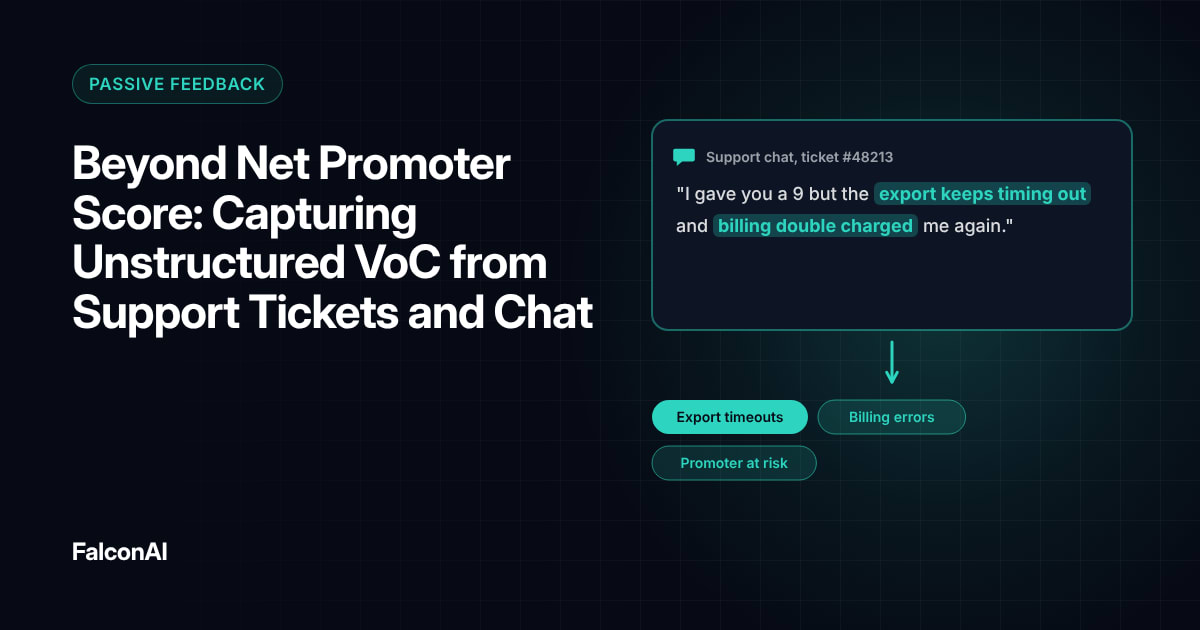
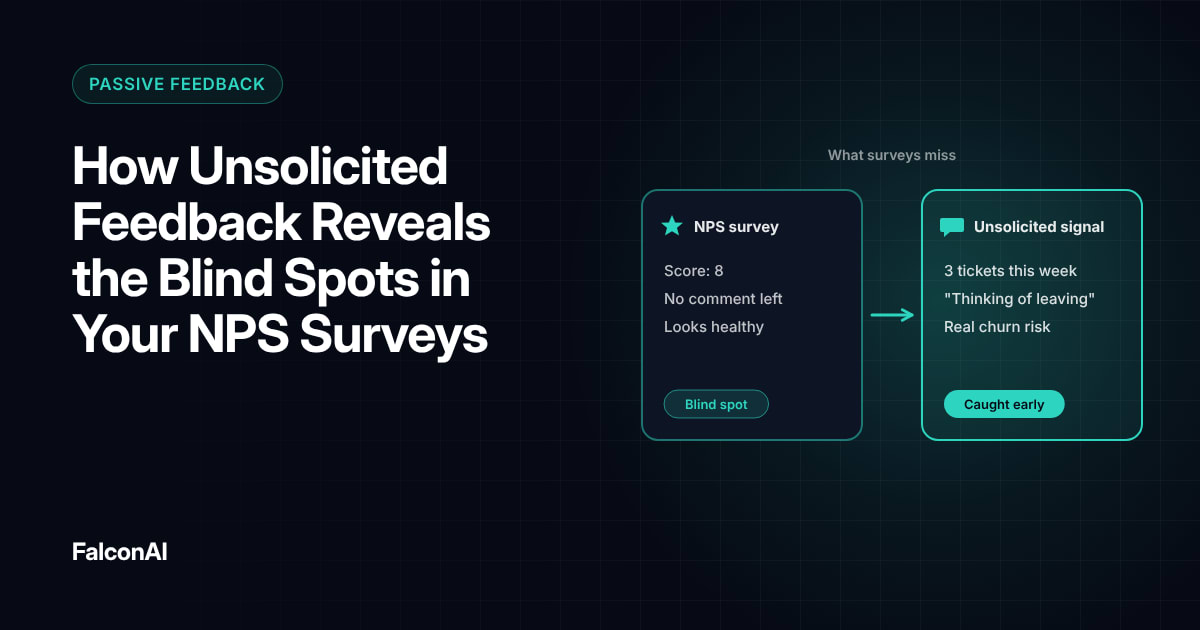
Picture one account. It gives you a 9 on NPS. It also opened six tickets about failed exports last month. Your CX team sees a promoter. Your support team sees a frustrated user. Both are right, and both are missing half the picture.
Same customer, different stories
CX team sees
- A 9 on NPS
- A promoter
Support team sees
- Six tickets about failed exports
- A frustrated user
What One Stream Looks Like
One stream means every piece of feedback lands in the same place with the same basic fields. At minimum, you need the customer ID, the source, the date and the text or score.
With those fields in place, you can filter by account and read everything that customer said across every channel. You can also spot a theme that appears in tickets and reviews at the same time.
Start with two sources
Don't try to connect everything in week one. Start with your NPS survey and your helpdesk. Those two cover most of what customers tell you. Add product feedback and reviews once the first pair works. Our guide to unstructured VoC from support tickets covers the helpdesk side.
One stream
- NPS survey
- Helpdesk
- Product feedback
- Reviews
- The team that owns each theme
How to Analyze Feedback Across Channels
Use one set of themes for every source. If support calls it “login issues” and product calls it “auth bugs,” your counts will never line up. AI theme detection solves this by grouping similar text no matter where it came from.
Gartner expects VoC analytics, like conversational and sentiment analysis, to see the biggest increase in deployment across customer service technology. The tools are catching up with the need.
Weight channels fairly
Each channel has a bias. Tickets lean negative and surveys lean positive. Report themes by channel as well as in total, so nobody mistakes a support spike for a company-wide crisis.
Free review snapshot
See what your customers are saying, before you talk to us.
No commitment. We use your details only to send your snapshot and follow up. Privacy policy
Getting Teams to Use It
A unified stream only helps if people act on it. Gartner analyst Augie Ray noted that VoC buyers “will still demand more than just great natural language processing.” The analysis has to reach the right owner.
One weekly view
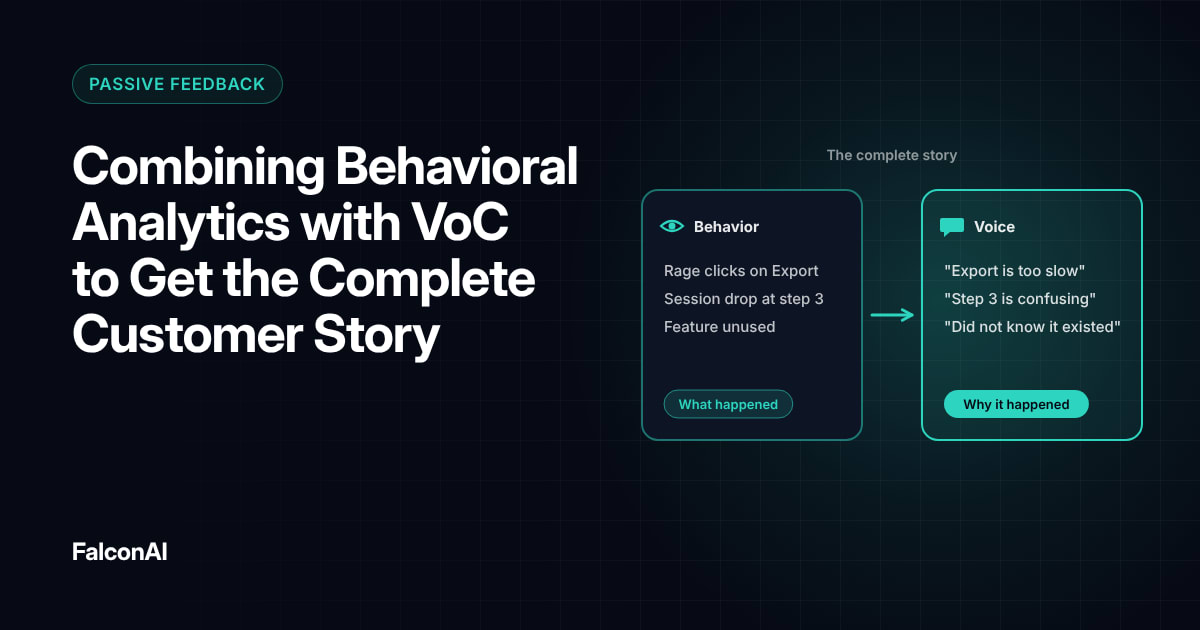
Share a weekly summary of the top themes across all channels. Route each theme to the team that owns it. Connect your sources through integrations, then review themes in NPS analysis. To add behavior data to the stream, read behavioral analytics and VoC, or book a demo.
Frequently asked questions
What is omnichannel VoC?
It's a voice of the customer program that brings feedback from every channel into one place, so you can analyze it together.
Why do feedback silos matter?
Silos hide patterns. A problem that shows up in support and reviews at once looks small when each team only sees its own channel.
Which feedback sources should you connect first?
Start with your main survey and your helpdesk. They usually cover most of what customers tell you.
How do you compare feedback from different channels?
Use one shared set of themes for every source and report results by channel as well as in total.
Do you need a data warehouse for omnichannel VoC?
Not always. Many VoC platforms connect directly to helpdesk and survey tools.
Who should own an omnichannel VoC program?
Usually the CX team. Each theme should still have an owner in the team that can fix it.