In many companies, the CX team owns the feedback. They collect it and write the reports. Everyone else waits for a summary. That slows every fix, because the people who can solve a problem rarely see it first.
Why Central Ownership Falls Short
Feedback touches almost every part of the business. Billing complaints belong to finance. Bug reports belong to engineering. Delivery issues belong to operations. Contract questions belong to sales. A small CX team can't fix all of that alone.
Disconnected data makes it worse
HubSpot's 2024 State of Service report found that only 35% of CX leaders say their data is fully integrated with the tools they use. Teams with unified data were 48% more likely to say their service strategy worked. When feedback sits in one system, other teams simply don't see it.
- 35%of CX leaders say data is fully integrated with their toolsSource: HubSpot 2024 State of Service
- 48%more likely to say their service strategy worked, with unified dataSource: HubSpot 2024 State of Service
Figures as cited in this article
Give Each Team a Relevant View
Every department needs feedback filtered to what it owns. Here's a simple way to set it up:
- Map common feedback themes to the teams responsible for them.
- Build a view or dashboard for each team showing only its themes.
- Set alerts so teams hear about spikes in their area right away.
- Share a short company-wide summary so everyone sees the big picture.
Keep it relevant
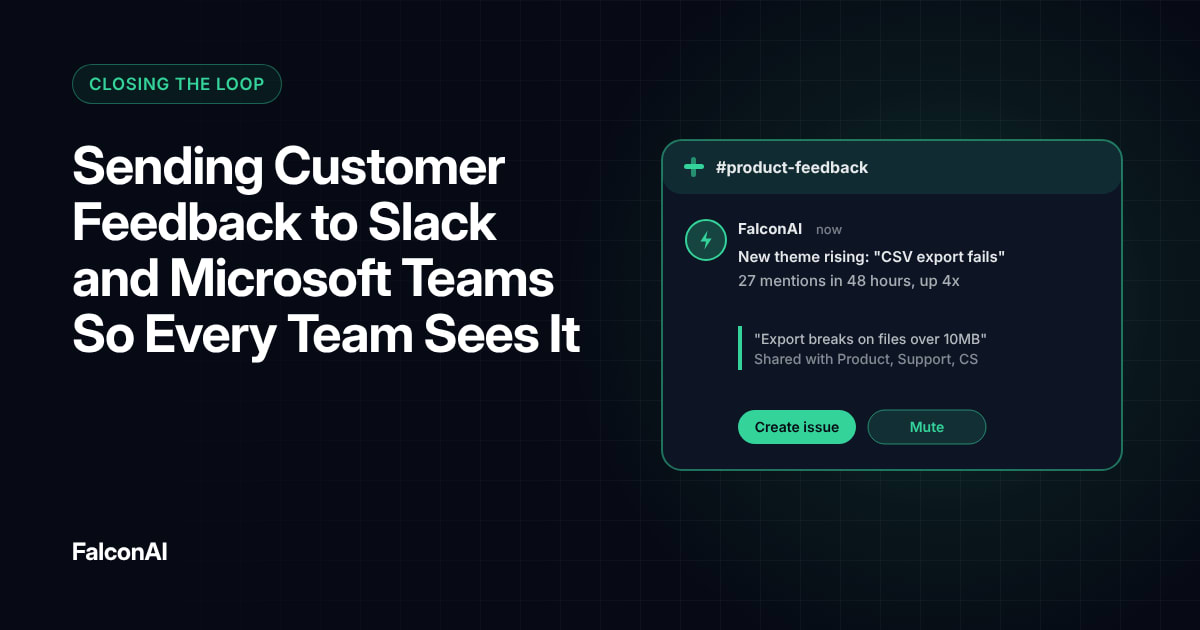
A finance team doesn't need product bug reports. Too much irrelevant data trains people to ignore the dashboard. Start narrow and add more as teams ask for it. Ask each team which themes matter most to its goals, and build the first version around those. Our guide to VoC alerts in Slack and Teams shows how to route feedback into the tools people already use.
Give each team a relevant view
- Map themes to teamsResponsible for them
- Build a view per teamShowing only its themes
- Set alertsFor spikes in each team's area
- Share a company summarySo everyone sees the big picture
Keep CX as the Hub
Central ownership still matters after you open up access. The CX team still sets standards and maintains the shared themes. Their role shifts toward coaching other teams to use the data well.
Agree on shared definitions
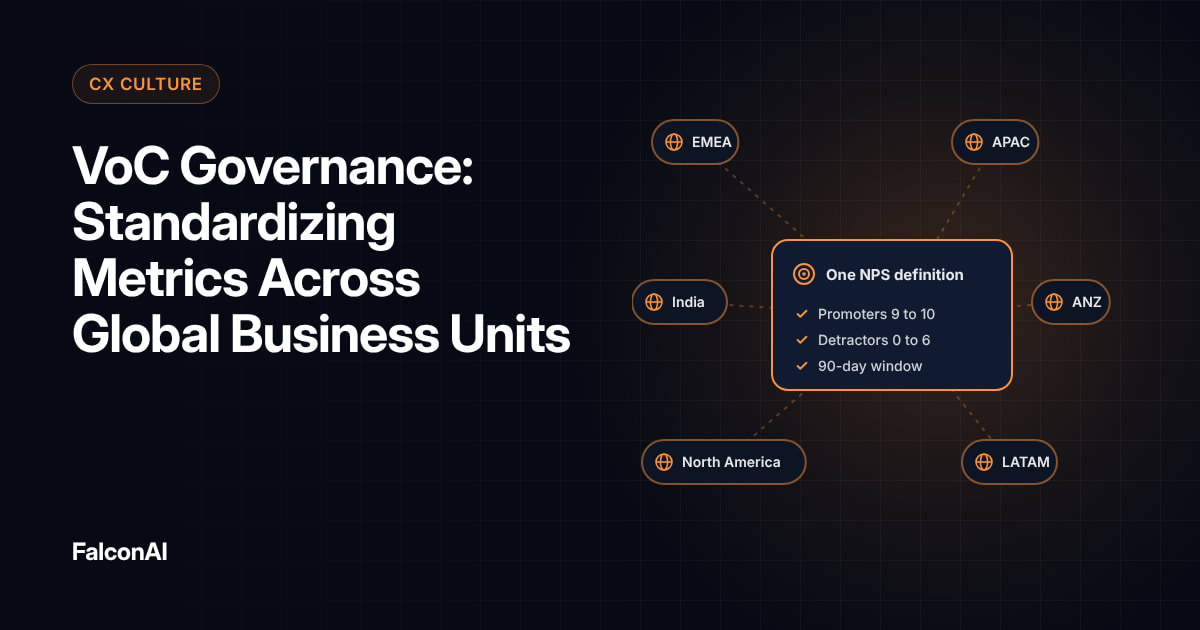
If each team defines themes differently, numbers won't add up. Keep one theme library that every department uses. Our post on VoC governance covers how to standardize metrics.
CX stays the hub
- Billing complaints
- Bug reports
- Delivery issues
- Contract questions
- Finance
- Engineering
- Operations
- Sales
Free review snapshot
See what your customers are saying, before you talk to us.
No commitment. We use your details only to send your snapshot and follow up. Privacy policy
Make Action Expected
Access alone doesn't change much. Rick Parrish of Forrester has noted that “organizations struggle with the scale of change that this requires.” Set clear expectations that each team reviews its feedback regularly and reports what it changed.
Track who's using the data
Watch how often each team opens its view and how many issues it closes. Low usage is a signal to check in and offer help. Celebrate teams that close issues fast so others see what good looks like. Our guide to frontline VoC shows how customer-facing teams can lead the way.
Protect Customer Privacy
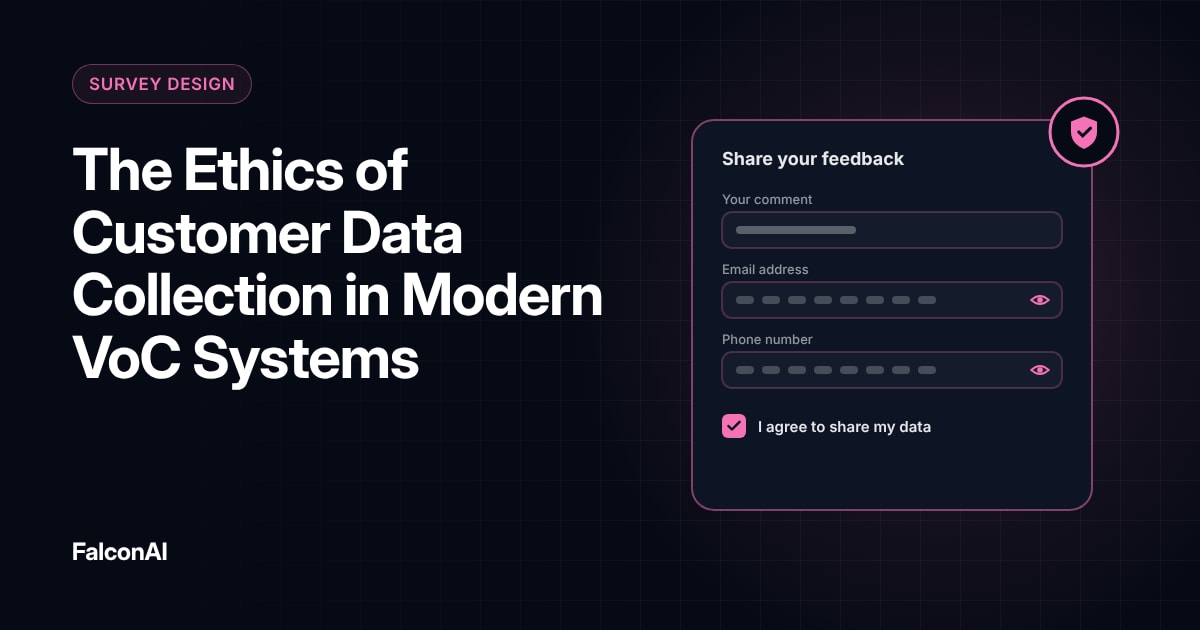
Wider access means more people can see customer data. Remove personal details before feedback reaches teams that don't need them. Limit raw transcripts to the people who handle individual cases. Make it clear who to contact when someone needs more detail on a case. Our post on VoC data ethics covers the principles.
Review access regularly
Check who has access each quarter and remove accounts that no longer need it. You can give each department its own view of customer feedback in CSAT analysis, or book a demo.
Frequently asked questions
What does decentralizing CX mean?
It means giving every department direct access to the customer feedback that relates to its work.
Does the CX team still matter?
Yes. It sets standards and coaches other teams to use the data well.
How do you decide which feedback each team sees?
Map feedback themes to the teams responsible for them and build a filtered view for each.
Won't more access create confusion?
Not if every team uses the same theme definitions and sees only what's relevant.
How do you protect customer privacy?
Remove personal details before sharing and limit raw data to people who handle individual cases.
How do you know if decentralization is working?
Track how often teams use their views and how many issues they resolve.