Your teams already spend their day in Slack or Microsoft Teams. Your customer feedback sits in a separate tool that most of them never open. Bring the feedback to where they work, and far more people will read it.
Why Chat Works for Feedback
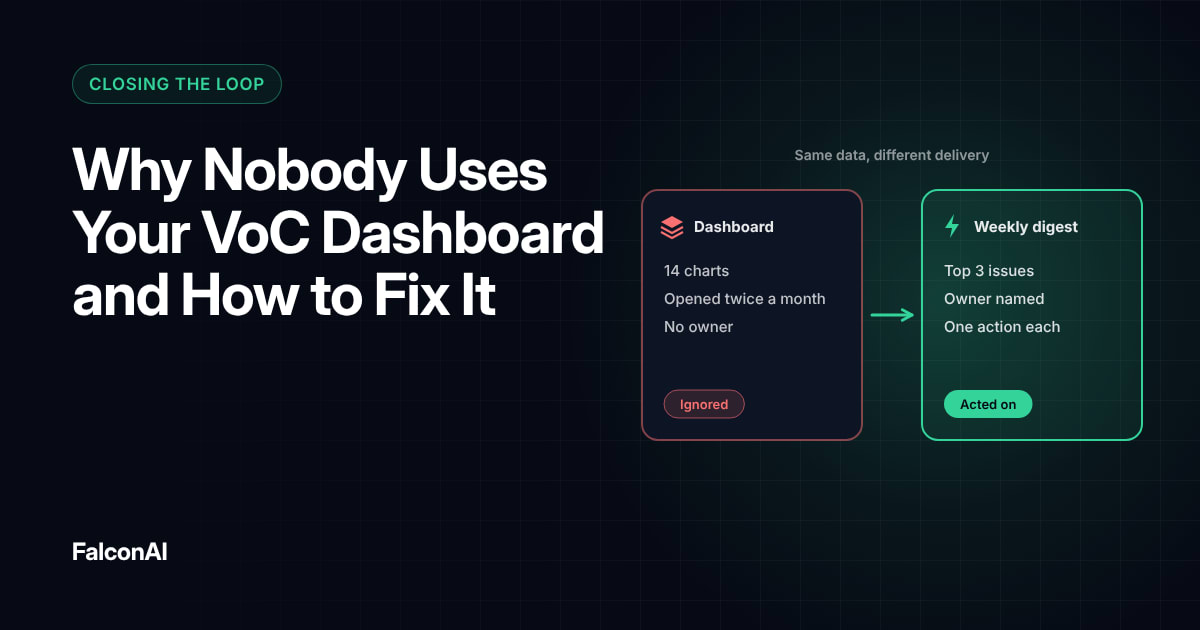
People rarely go looking for another dashboard. Gartner research cited by IBM in 2024 found that on average only 29% of employees use analytics and BI tools.
Workers are already stretched. Slack's 2024 Workforce Lab research found that desk workers spend 41% of their time on low-value, repetitive tasks. Slack's Christina Janzer described that as “two full days each week” of work that doesn't move the job forward. Sending feedback to an existing channel removes one more thing to check. Chat also makes feedback easier to discuss. People reply in a thread or tag a colleague within seconds.
Feedback reaches more teams
When feedback shows up in a product or engineering channel, people outside CX start to see what customers say. That shared view is often what gets a long-standing issue fixed. Engineers who read a frustrated comment about a bug tend to fix it faster than they would from a ticket number alone.
What to Send and Where
Different feedback belongs in different places:
- A daily digest of top themes in a company-wide feedback channel
- Detractor alerts in the owning team's channel
- Feature feedback in the product team's channel
- High-value account alerts sent straight to the account owner
Name channels clearly, such as #feedback-daily or #feedback-billing, so people know what they're joining. Keep membership open, so anyone can follow the feedback that touches their work.
Include the comment
A bare score gets ignored. Show the score, the comment, the customer's plan and a link to the full response. That gives readers enough context to act without leaving the chat. Strip out personal data the reader doesn't need, like phone numbers or full email addresses.
What to send and where
- Daily digest of top themes
- Detractor alerts
- Feature feedback
- High-value account alerts
- Company-wide feedback channel
- Owning team's channel
- Product team's channel
- The account owner
Include the comment
- The score
- The comment
- The customer's plan
- A link to the full response
Keeping the Noise Down
Too many messages and people mute the channel. Send only urgent cases in real time and group everything else into a daily or weekly digest. Review which alerts get reactions or replies, and cut the ones that don't. Set quiet hours for non-urgent alerts too. A detractor alert at 2 a.m. can wait for the morning digest unless the account is at risk of canceling.
Make it easy to act
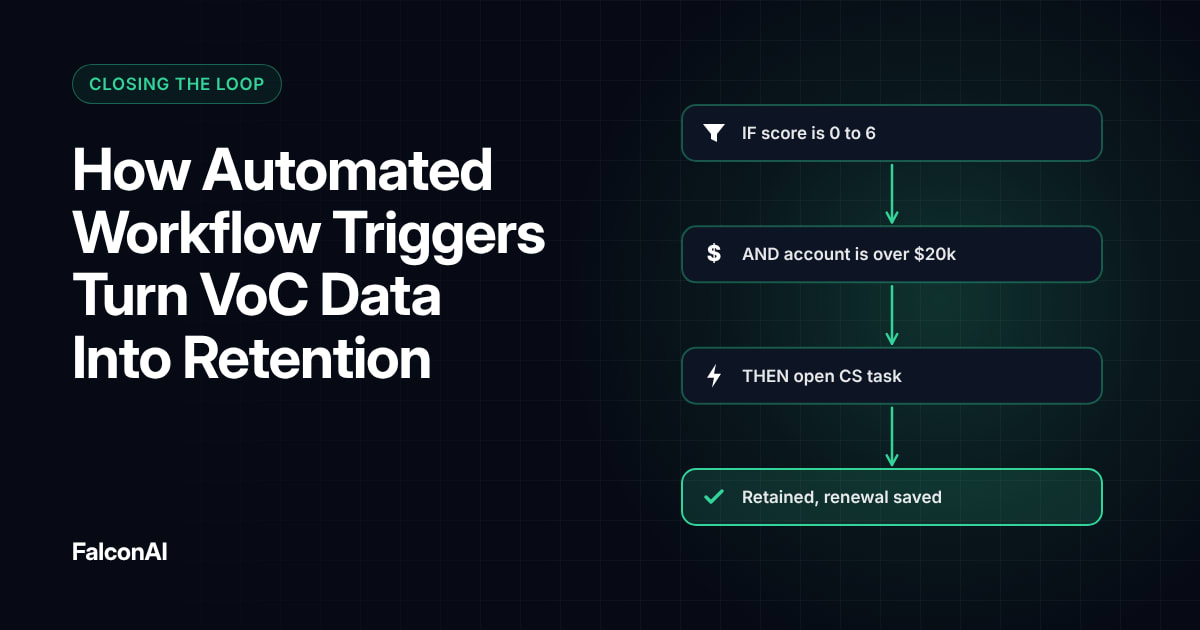
Each alert should name an owner. Ask owners to reply in the thread with what they did. The thread then becomes a record of how each case was handled, and anyone can scroll back to see it. Our guide to automated workflow triggers explains how to set alert rules.
Keeping the noise down
Real time
- Urgent cases only
- Accounts at risk of canceling
Daily or weekly digest
- Everything else
- Non-urgent alerts in quiet hours
Free review snapshot
See what your customers are saying, before you talk to us.
No commitment. We use your details only to send your snapshot and follow up. Privacy policy
Measuring the Effect
Track how many alerts get a reply within your target time and how many themes get fixed each month. If both rise, the channel is working. Ask a few people in each team every quarter whether the alerts help. Their answers tell you which channels to keep and which to fold into the digest. Read why VoC dashboards go unused. Then connect Slack or Teams through integrations, or book a demo.
Frequently asked questions
Can you send customer feedback to Slack?
Yes. Most VoC platforms can post survey responses and alerts to Slack channels automatically.
Can you send NPS alerts to Microsoft Teams?
Yes. You can route alerts to Teams channels through a built-in integration or a workflow tool.
Which feedback should go to Slack or Teams?
Detractor alerts and daily theme digests are the best place to start.
How do you avoid too many feedback alerts?
Send only urgent cases in real time and group the rest into a digest.
Who should own feedback alerts in Slack?
Every alert should name one owner, usually the team or account manager closest to the issue.
Does sharing feedback widely help?
Yes. When more teams see customer comments, problems that cross departments get fixed faster.