Some bugs crash your product. Others quietly make it harder to use. A button that looks disabled can stop users in their tracks. So can a form that clears itself when someone goes back a step. These hidden UX bugs rarely show up in error logs, but they show up in what customers say.
Where to Look
Hidden UX bugs show up across many channels:
- Support tickets that ask how to do basic tasks.
- Survey comments that mention confusion or frustration.
- App store and product reviews.
- Chat logs where users repeat the same question.
Watch for repeated questions
If many users ask how to do the same thing, the design is probably unclear. A spike in “how do I” tickets after a release is a strong sign something changed for the worse. Compare ticket themes in the week after each release with the week before. New themes that appear right after a release usually point to something the release changed. Catching them in the first week keeps the damage small.
Where hidden UX bugs show up
- “How do I” support tickets
- Survey comments on confusion
- App store and product reviews
- Chat logs with repeat questions
How to Find Them at Scale
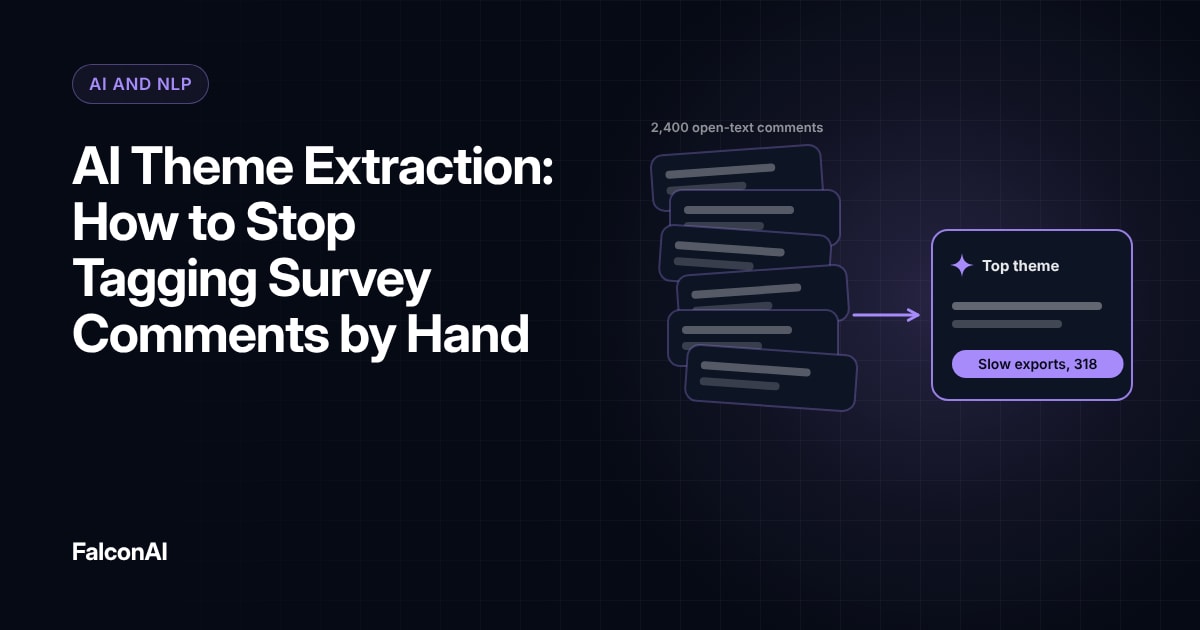
Reading every comment by hand doesn't scale. Use text analysis to group feedback by theme and flag rising issues. Our guide to AI theme extraction explains how.
Gartner predicted that by 2025, 60% of organizations with VoC programs would add voice and text analysis to their surveys. That shift makes it easier to spot UX problems hiding in unstructured feedback.
Compare with usage data
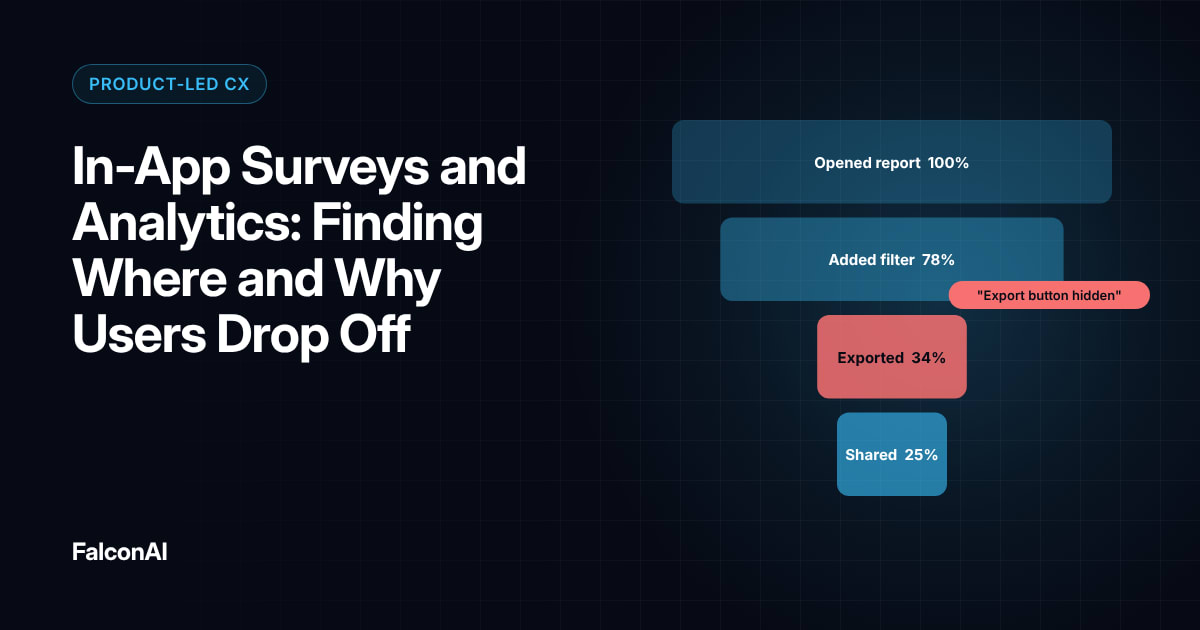
Once you spot a theme, check your analytics. If users who mention a problem also drop off at the same step, you've found a real bug. Our post on in-app surveys and analytics covers how to combine the two.
From comment to confirmed bug
- Group by themeText analysis flags rising issues
- Check analyticsDo those users drop off at the same step?
- Send to productWith quotes and the number of users affected
- Track the themeComplaints should drop after the fix
Free review snapshot
See what your customers are saying, before you talk to us.
No commitment. We use your details only to send your snapshot and follow up. Privacy policy
Fix and Verify
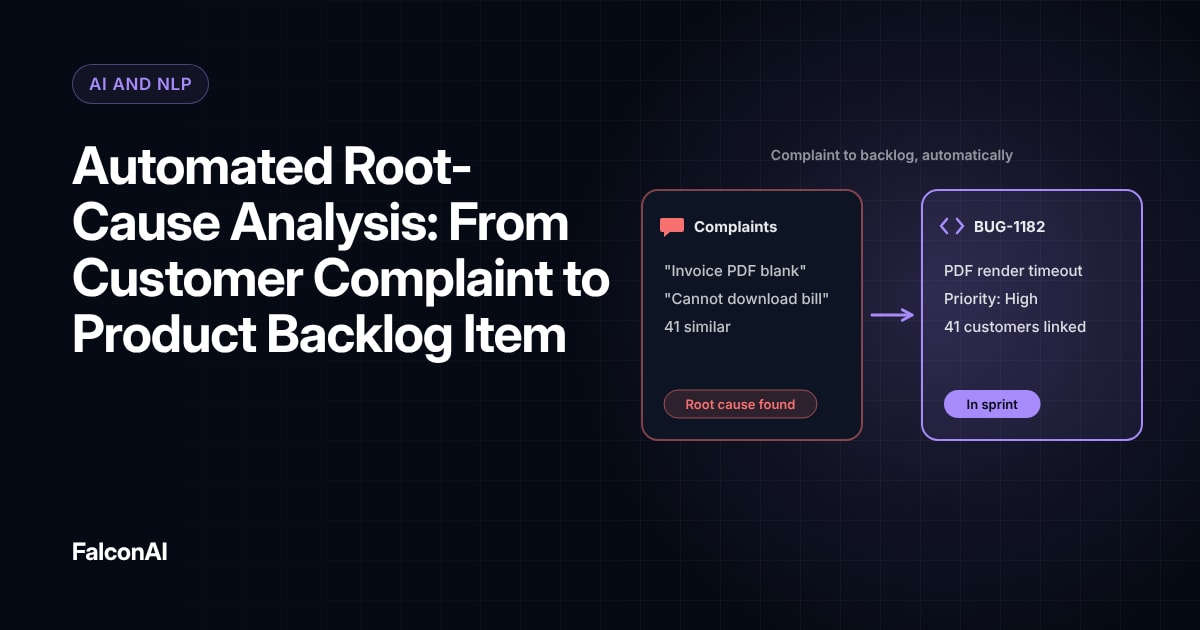
Send each confirmed UX bug to the product team with the customer quotes and the number of users affected. Our guide to automated root-cause analysis shows how to turn themes into backlog items.
Baymard Institute's research shows why this matters. Among shoppers who abandoned a cart for a reason, 17% said they hit website errors or crashes. Many of those errors start as small UX problems nobody noticed.
Track the theme after the fix
After you ship a fix, watch the theme. If complaints drop, the fix worked. If they don't, read the new comments to see what's still wrong. Keep a short log of UX bugs found through feedback. It shows leadership how much value comes from listening to customers. You can track UX themes in CSAT analysis, or book a demo.
- 60%of VoC organizations would add voice and text analysis by 2025Source: Gartner prediction
- 17%of cart abandoners hit website errors or crashesSource: Baymard Institute
Figures as cited in this article
Frequently asked questions
What is a hidden UX bug?
It's a design problem that makes the product harder to use without causing a technical error.
Where do hidden UX bugs show up?
In support tickets, survey comments, reviews and chat logs where users describe confusion.
How do you find UX bugs in feedback?
Group comments by theme and look for rising issues or repeated questions.
Can AI help find UX bugs?
Yes. Text analysis can group thousands of comments and flag themes that grow after a release.
How do you confirm a UX bug?
Check whether users who mention the problem also drop off at the same step in your analytics.
How do you know a fix worked?
Complaints about the theme should drop after the fix ships.