Your users spend their time inside your product. That's where they notice problems, and that's where you should ask about them. Ask the wrong way, though, and your feedback prompt becomes the problem.
Why In-App Feedback Beats the Inbox
Email surveys arrive hours or days after the moment. By then, the user has moved on. In-app prompts catch people while the experience is fresh.
The numbers back this up. Industry benchmarks put in-app and web widget survey response rates at 15% to 25%, with many going past 30%. Compare that with generic popup surveys, which averaged just 3.65% in one 2025 dataset. Placement and timing make the difference.
Context makes answers useful
When you ask right after a user finishes a task, they know exactly what you mean. Their comments point to a specific screen or step. That's far easier to act on than a vague rating sent a week later.
- 15% to 25%In-app and web widget response ratesSource: Industry benchmarks
- 3.65%Generic popup surveysSource: One 2025 dataset
Figures as cited in this article
Where In-App Prompts Go Wrong
Users already deal with plenty of friction. A 2025 digital experience benchmark covering 90 billion sessions found that 40% of online visits involved some form of user frustration. A badly timed survey adds to that pile.
Gartner's research on response rates found that people drop out when a survey feels intrusive or off topic. In-app prompts carry both risks if you trigger them carelessly.
The interruption tax
Every prompt costs the user a moment of attention. If you ask in the middle of checkout or a setup flow, you pay that cost at the worst possible time. Some users will close the prompt. Others will close your app.
Rules for Asking Without Annoying
Follow a few simple rules and most of the annoyance disappears:
- Trigger the prompt after a task finishes, never during one.
- Ask one question, with an optional comment box.
- Cap how often any one user sees a prompt, such as once a month.
- Keep prompts away from payment and signup screens.
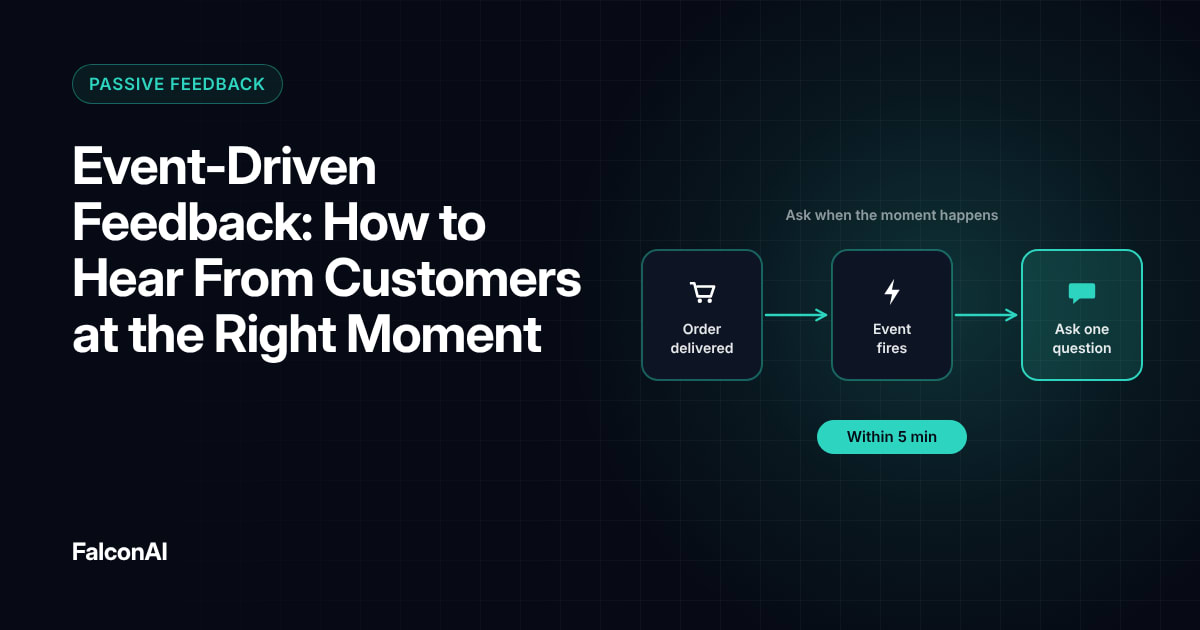
Our guide to event-driven feedback explains how to pick the right triggers.
Passive signals you can capture without asking
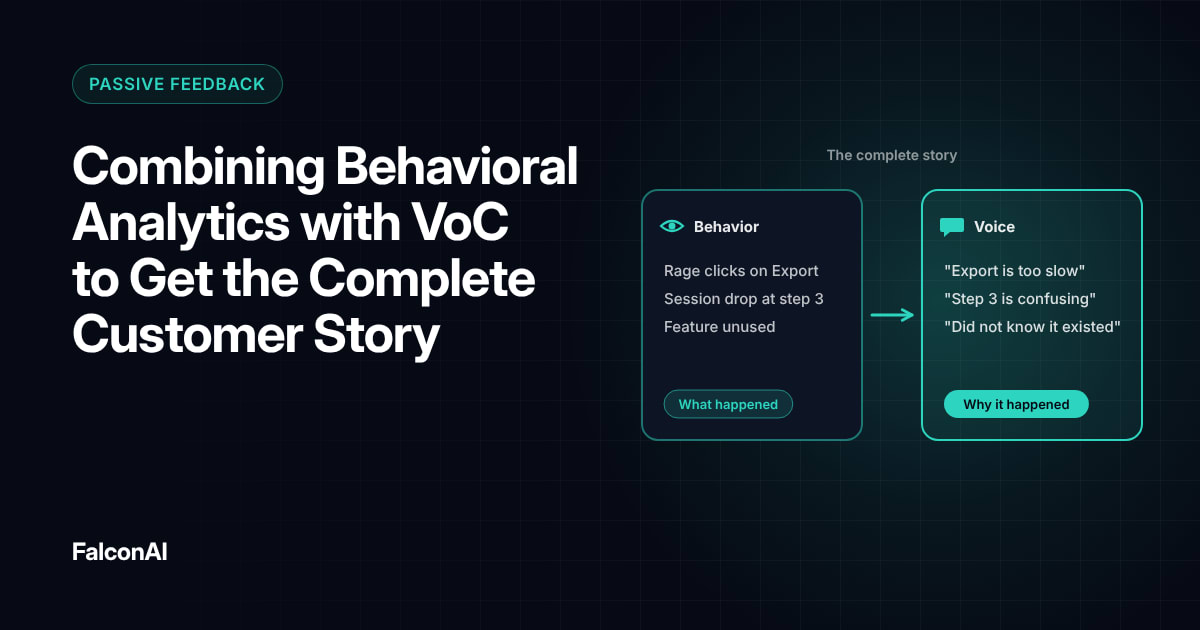
You don't always need a question. A feedback button that users can tap anytime collects comments on their terms. Behavior like repeated clicks or abandoned flows also tells you where users struggle. Read how to pair those signals with survey data in behavioral analytics and VoC.
Free review snapshot
See what your customers are saying, before you talk to us.
No commitment. We use your details only to send your snapshot and follow up. Privacy policy
Turning In-App Signals Into Action
Collecting feedback is the easy part. Each comment needs to reach the team that owns that screen. Route low scores and feature complaints to product, and billing issues to support.
Bad moments happen in every product. “No one's immune,” said Metrigy CEO Robin Gareiss in a discussion of consumer research on bad experiences. What separates teams is how fast they respond.
What to track
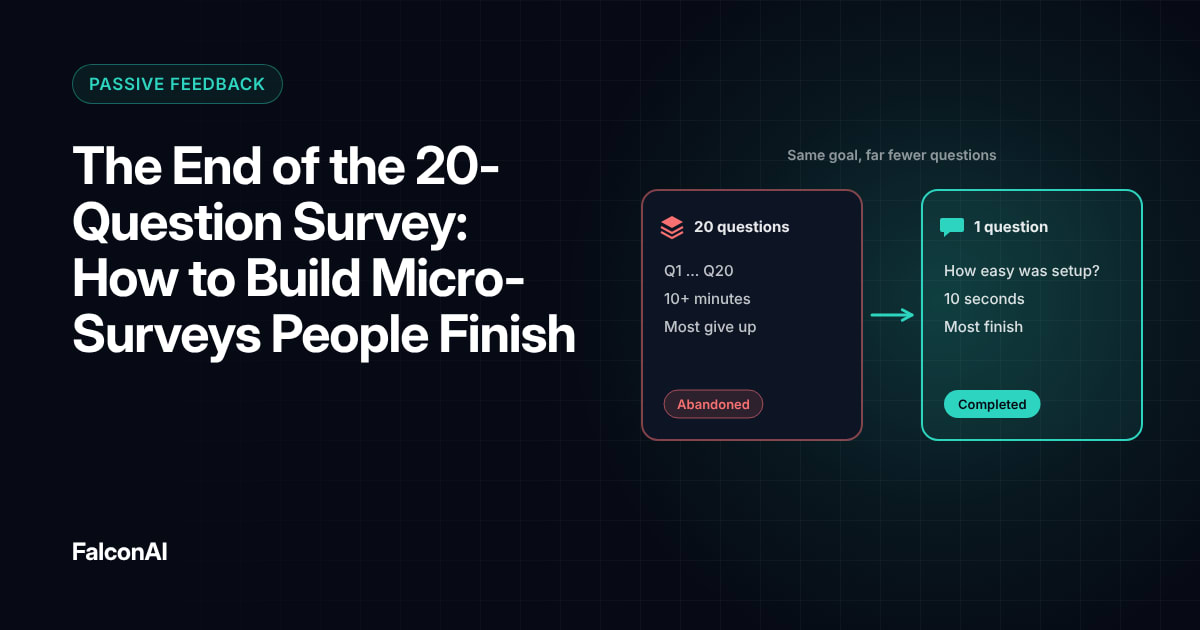
Watch your response rate and dismissal rate side by side. A rising dismissal rate means your prompts appear too often or at bad moments. Feed every comment into your NPS analysis so in-app feedback sits next to survey data. For more on keeping surveys short, see micro-surveys, or book a demo.
Each comment reaches its owner
- Low scores
- Feature complaints
- Billing issues
- Product
- Support
Frequently asked questions
What is in-app feedback?
It's feedback users give inside your product, through feedback buttons or short surveys that appear on screen.
What is a good in-app survey response rate?
Industry benchmarks put well-timed in-app surveys at 15% to 25%. Poorly placed popups often get far less.
When should you show an in-app survey?
Show it right after a user finishes a task, like completing setup or using a feature for the first time.
How often should you ask users for feedback in an app?
Cap prompts per user. Once a month is a safe starting point for most products.
Do in-app surveys hurt the user experience?
They can if they interrupt a task. Prompts that appear after a task ends rarely cause problems.
What are passive feedback signals?
They're signals users give without answering a question, like feedback button comments or repeated clicks on a broken element.