Your customers answer surveys on the bus or between meetings. A form designed for a desktop screen feels like work on a phone. Mobile-native design makes feedback quick enough to fit those moments.
Mobile Is Where Feedback Happens
A major survey platform's 2025 State of Surveys report found that 58.2% of survey responses worldwide came from mobile devices in 2024. In the US, 2024 was the first year mobile responses passed non-mobile ones.
Phones are the default
Pew Research Center reports that 91% of US adults own a smartphone. About 16% rely on a smartphone without home broadband. For those customers, a survey that breaks on mobile is a survey they can't answer. For customers on limited data plans, heavy survey pages cost money as well as time.
- 58.2%of survey responses came from mobile in 2024Source: 2025 State of Surveys report
- 91%of US adults own a smartphoneSource: Pew Research Center
- 16%rely on a smartphone without home broadbandSource: Pew Research Center
Figures as cited in this article
Design for Thumbs
- Use large tap targets for every answer option.
- Keep one question per screen.
- Place buttons where thumbs can reach them easily.
- Avoid grids that require sideways scrolling.
Test every survey on both iOS and Android before launch. Small layout differences can hide buttons or push text off screen.
Drop the matrix
Matrix questions are hard to answer on a small screen. The same report found they appeared in 23% of surveys in 2024, down from 43% in 2015. Replace them with short single questions. If you need ratings on several items, ask about the most important one and rotate the rest.
Surveys with matrix questions
Source: 2025 State of Surveys report. Figures as cited in this article
Keep It Short and Light
Mobile users have less patience for long forms. Aim for under a minute. Show a simple progress bar so customers know how close they are to the end. Make open comments optional and offer voice input where your platform supports it. Save progress automatically so a customer who gets interrupted can pick up where they left off. Wendy Smith, a senior research science manager who studies survey trends, said, “We're seeing trends that suggest a change in how people create and take surveys.” Mobile habits are a big part of that change.
Load fast
Slow pages lose people before the first question appears. Keep images light and avoid heavy scripts. Test on a mid-range phone with a weak connection. Every extra second of waiting gives people a reason to close the tab.
Mobile-native basics
- Large tap targets
- One question per screen
- Buttons within thumb reach
- No grids that scroll sideways
- Under a minute, with a progress bar
- Save progress automatically
Free review snapshot
See what your customers are saying, before you talk to us.
No commitment. We use your details only to send your snapshot and follow up. Privacy policy
Choose the Right Mobile Channel
In-app prompts work well for active users. SMS suits quick questions after a visit. Email links still work if the landing page is mobile-friendly. Push notifications can reach opted-in users, though they're easy to overuse. Whichever channel you use, keep the first question visible without scrolling.
Match the moment
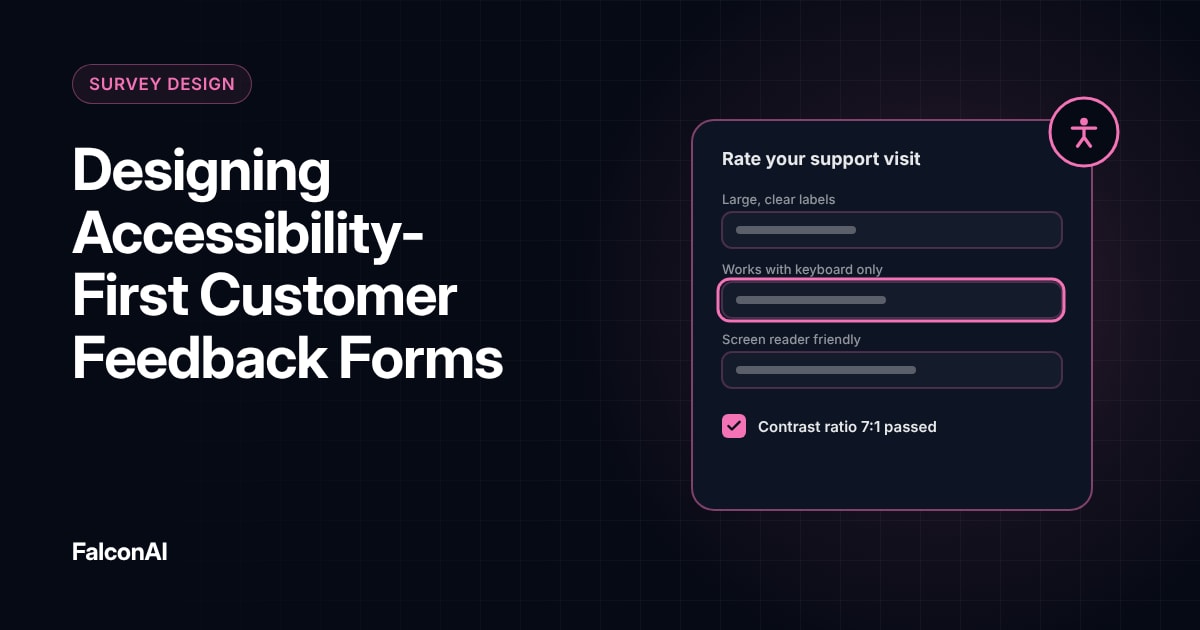
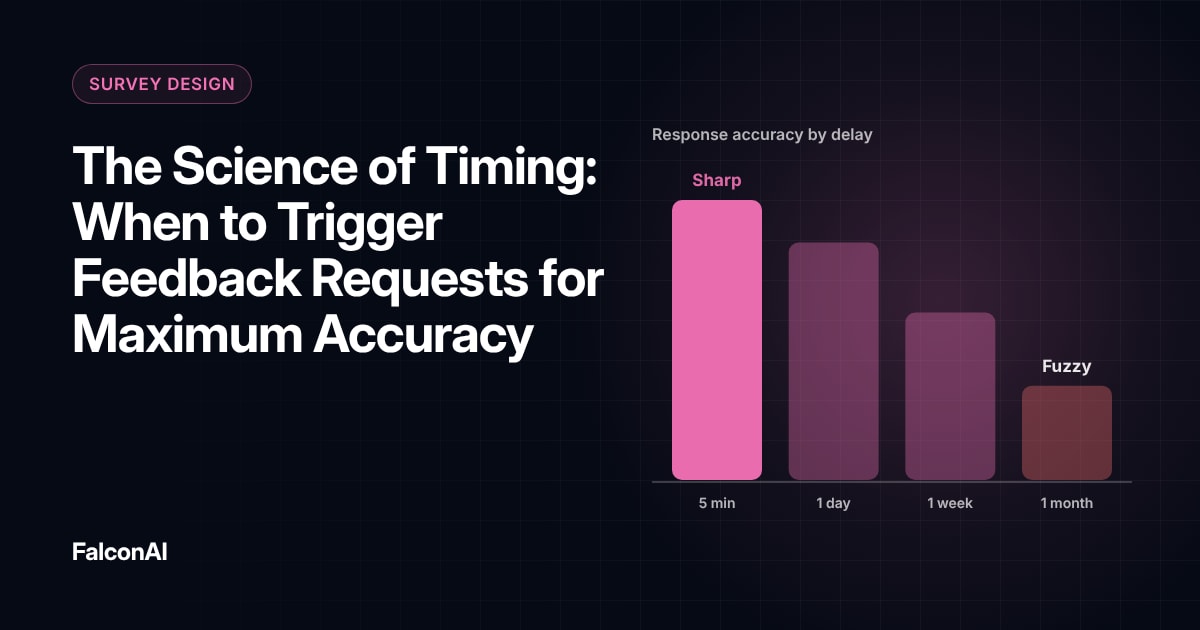
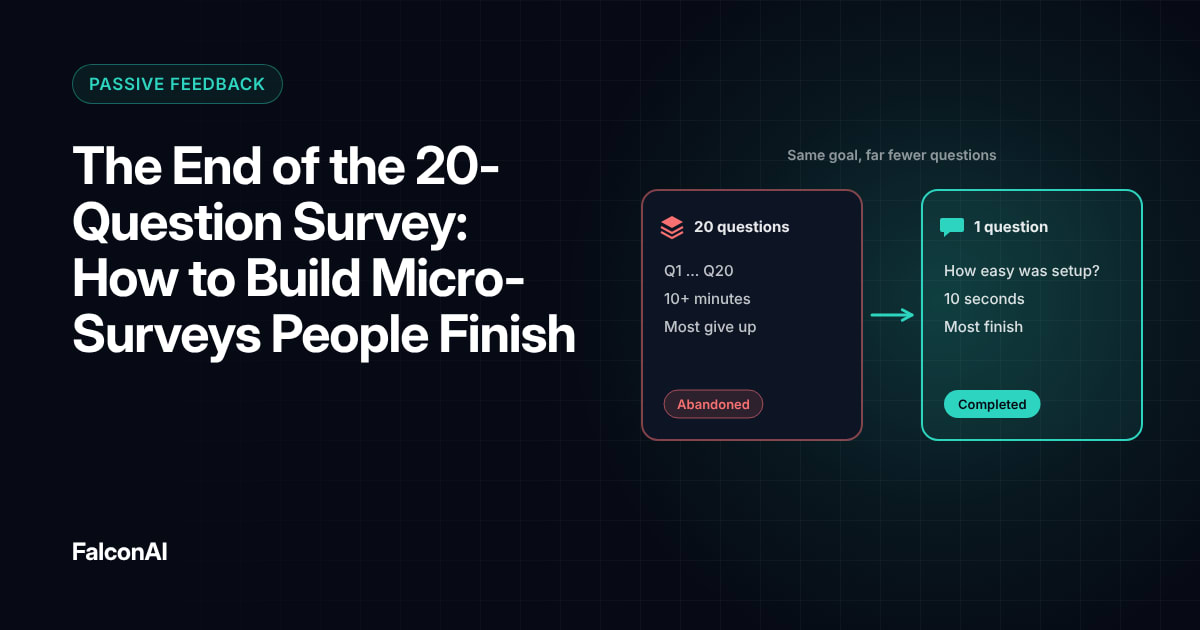
Ask right after the experience while the customer still has the phone in hand. For physical experiences like a store visit, a short delay works well, since people often check their phone once they leave. Our guide to feedback timing explains when to trigger requests. Our post on micro-surveys covers single-question formats, and our guide to accessible feedback forms shows how to support every user. You can analyze mobile feedback in CSAT analysis, or book a demo.
Frequently asked questions
Why design surveys for mobile first?
Most survey responses now come from phones, so a desktop-first form loses many customers.
How long should a mobile survey be?
Aim for under a minute, with one question per screen.
Should you use matrix questions on mobile?
Avoid them. Replace grids with short single questions.
Which mobile channel works best for feedback?
In-app prompts suit active users, while SMS and email work for quick questions after a visit.
How do you make mobile surveys load faster?
Keep images light and test on a mid-range phone.
Can customers give voice feedback on mobile?
Yes, if your platform supports it. Voice input makes open comments easier on small screens.