If a customer can't read your survey or reach the submit button, their opinion never lands in your data. Accessibility gaps quietly remove whole groups of customers from your VoC program. Designing for access from the start fixes that.
Why Accessibility Matters for VoC
The World Health Organization estimates that more than 1.3 billion people, about 16% of the world's population, live with disability. Leave them out and your feedback data skews toward customers who find your product easy to use.
Most of the web still falls short
WebAIM's 2025 analysis of the top one million home pages found detectable WCAG failures on 94.8% of them. Form inputs without labels showed up on 48.2% of pages. The most common failure, low contrast text, appeared on 79.1%. That's a warning sign for any survey built with the same tools.
Home pages with detectable failures
Source: WebAIM 2025, top one million home pages. Figures as cited in this article
The Rules Are Tightening
The European Accessibility Act began applying on 28 June 2025. It covers e-commerce services offered through websites and apps across the EU. If your feedback forms sit inside those experiences, they need to meet the same standards. Most guidance points to WCAG 2.2 level AA as the benchmark. Many other countries now expect digital services to meet similar standards, so accessible forms also lower your legal risk elsewhere.
Accessibility is a founding principle
Tim Berners-Lee put it simply back in 1997: “The power of the Web is in its universality. Access by everyone regardless of disability is an essential aspect.”
The power of the Web is in its universality. Access by everyone regardless of disability is an essential aspect.
Tim Berners-Lee, 1997
Design Choices That Help
Here's where to start:
- Label every field clearly so screen readers can announce it.
- Use strong color contrast for text and buttons.
- Make every question usable with a keyboard alone.
- Avoid scales that rely only on color or emoji to show meaning.
- Write questions in plain language.
Rethink rating scales
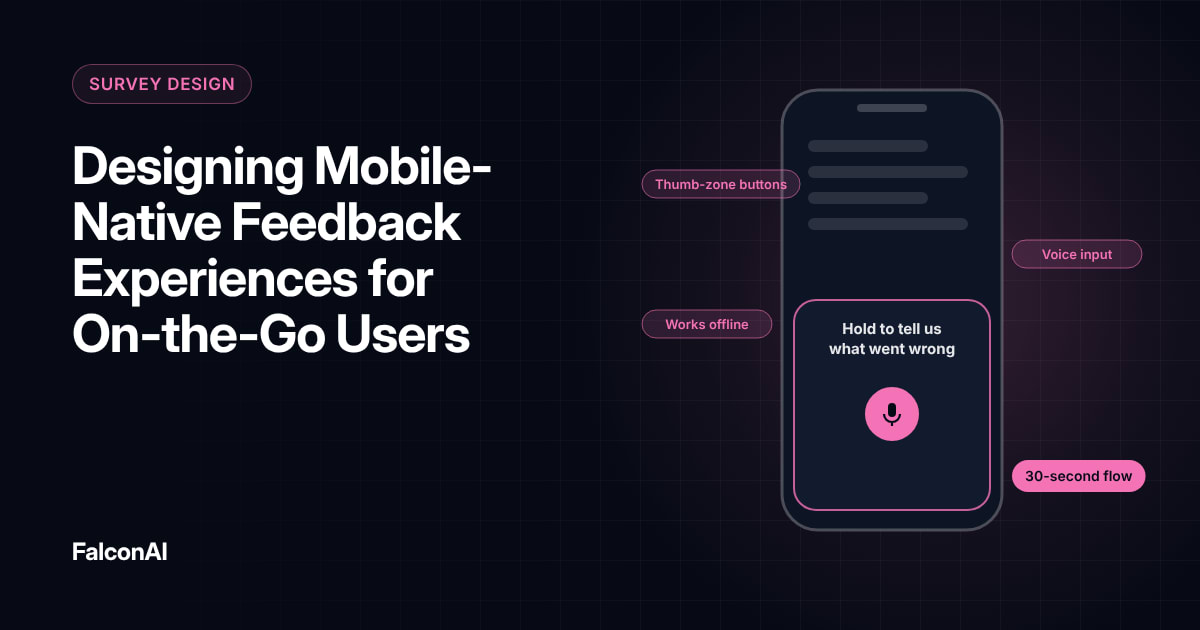
Sliders and star ratings can be hard to use with assistive technology. Offer number buttons with text labels at each end. Keep the layout simple on small screens. Give every error message a clear explanation of what went wrong, and place it right next to the field. Our guide to mobile-native feedback covers phone layouts.
Design choices that help
- Label every field for screen readers
- Strong color contrast for text and buttons
- Every question usable by keyboard alone
- No scales that rely only on color or emoji
- Plain-language questions
- Number buttons with text labels at each end
Free review snapshot
See what your customers are saying, before you talk to us.
No commitment. We use your details only to send your snapshot and follow up. Privacy policy
Test With Real Users
Automated checkers catch some issues. They miss problems like confusing focus order or unclear error messages. Ask customers who use screen readers or a keyboard alone to try your survey. Their feedback will point to fixes you'd never spot alone. Repeat these checks whenever you change the survey template, since small design updates can break access without anyone noticing.
Offer more than one channel
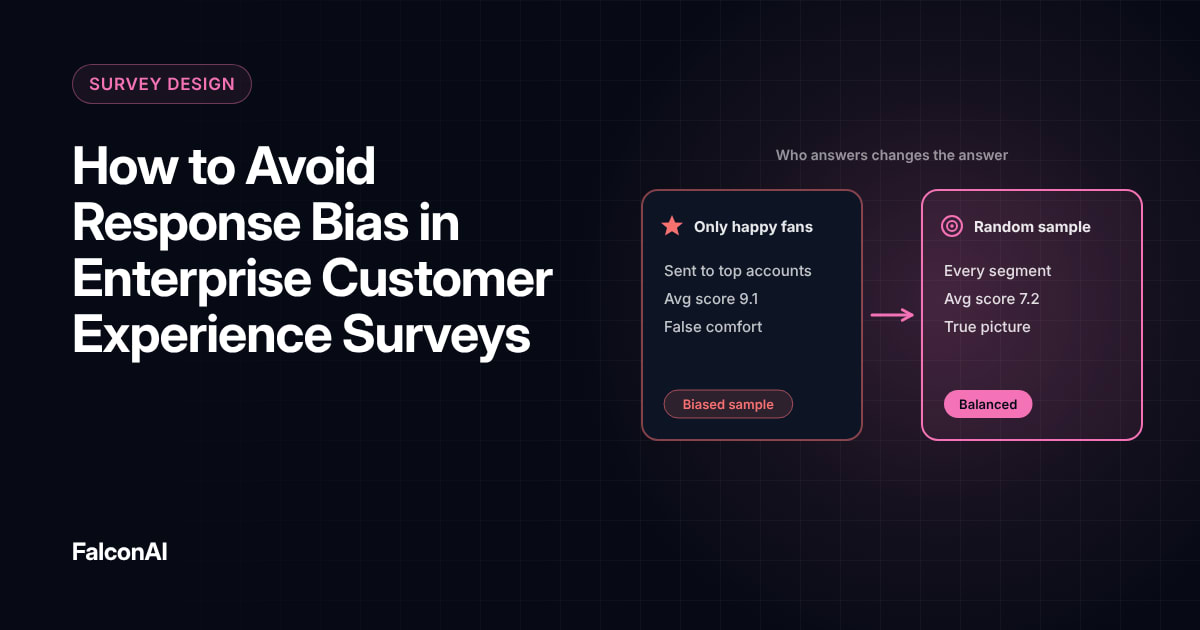
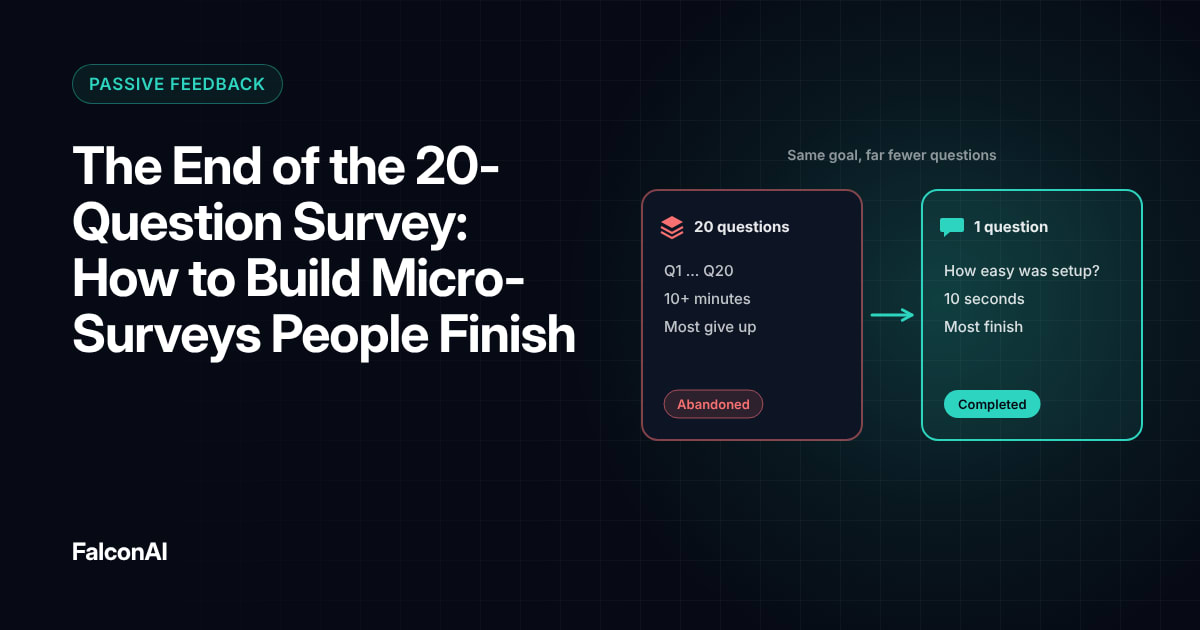
Some customers prefer to give feedback by phone or chat. Give them that option and include those responses in your analysis. Accessible surveys also tend to be easier for everyone to complete, which can lift response rates across your whole base. Our post on response bias explains why missing groups distort results, and our guide to micro-surveys shows how to keep forms short. You can bring feedback from every channel together in CSAT analysis, or book a demo.
Frequently asked questions
What is an accessible feedback form?
It's a survey or form that people with disabilities can complete without barriers.
Which standard should feedback forms follow?
Most teams use WCAG 2.2 level AA as their benchmark.
Does the European Accessibility Act apply to surveys?
It applies to many digital services sold in the EU, so feedback forms inside those services should meet the same standards.
What's the most common accessibility mistake in forms?
Missing labels on form fields are among the most common problems.
Are emoji rating scales accessible?
Only if each option also has a clear text label that screen readers can announce.
How should you test survey accessibility?
Use automated checkers first, then ask customers who rely on assistive technology to try the survey.