A SaaS trial is a short window. A user signs up, looks around for a few days and either upgrades or disappears. Most of the ones who disappear never tell you why. If you want more of them to convert, you need to hear from them while they're still inside the product.
Why the Trial Is Where Feedback Matters Most
Buyers want to make up their own minds. A 2026 Gartner survey of 646 B2B buyers found that 67% would rather buy without a sales rep. For many SaaS companies, the trial is the sales process. If it confuses people, nobody is there to rescue the deal.
Silence is the default
Trial users owe you nothing. Fewer people give feedback after a bad experience, too. Qualtrics' 2025 study of how consumers share feedback found that only 32% told the company directly. In a trial, the rest just stop logging in. You see the drop in your usage data weeks later, long after you could have helped.
- 67%of B2B buyers would rather buy without a sales repSource: Gartner survey of 646 buyers, 2026
- 32%of people with a bad experience told the companySource: Qualtrics, 2025
Figures as cited in this article
Map Feedback to the Trial Journey
Each stage of a trial raises different questions. Ask at the moments that matter:
- Right after signup, ask what the user wants to get done.
- After the first key action, ask how easy it was.
- When a user hits a limit or paywall, ask what's holding them back.
- When a trial ends without an upgrade, ask one short question about why.
Keep each ask short
One question with an optional comment box works better than a long survey. Users in a trial are busy figuring out your product. A quick question respects that time and still tells you what's going wrong. Save longer interviews for users who opt in to talk with your team.
When to ask during a trial
- Right after signupWhat do you want to get done?
- After the first key actionHow easy was it?
- At a limit or paywallWhat's holding you back?
- Trial ends, no upgradeOne short question about why
Pair Feedback With Product Usage
A comment means more when you know what the user did before writing it. A user who never finished setup needs different help from one who used the product daily and still didn't upgrade.
Watch for drop-off points
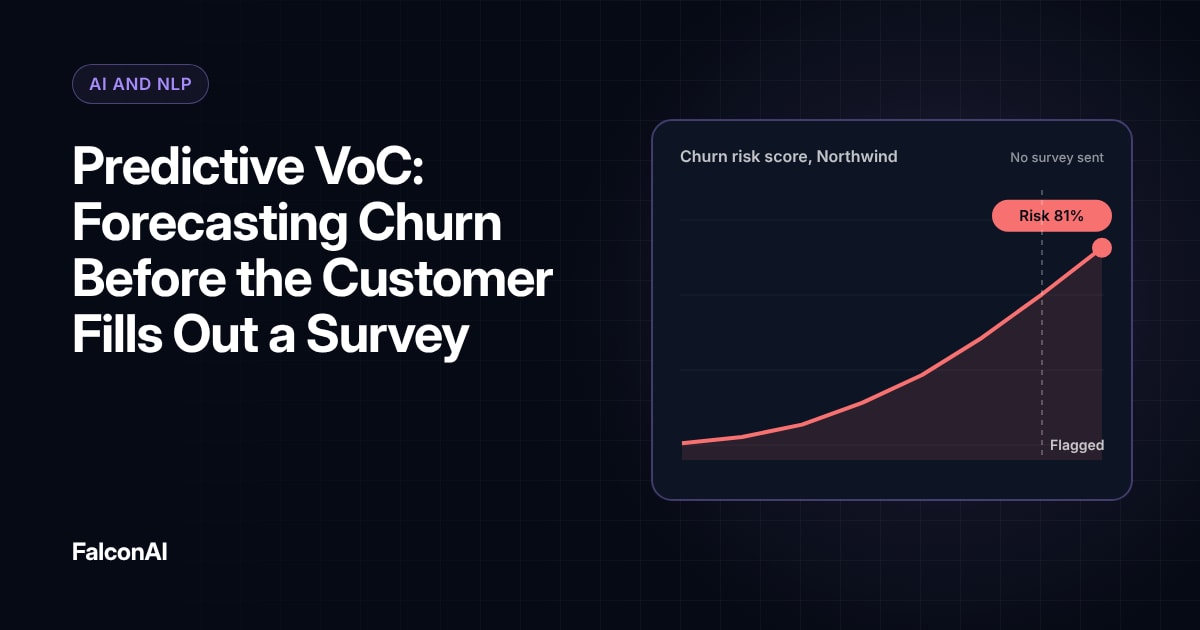
Look at where trial users stop, then read the feedback from that step. A drop-off paired with confused comments points straight at the fix. Our guide to predictive VoC shows how to combine usage and feedback signals.
Route buying signals
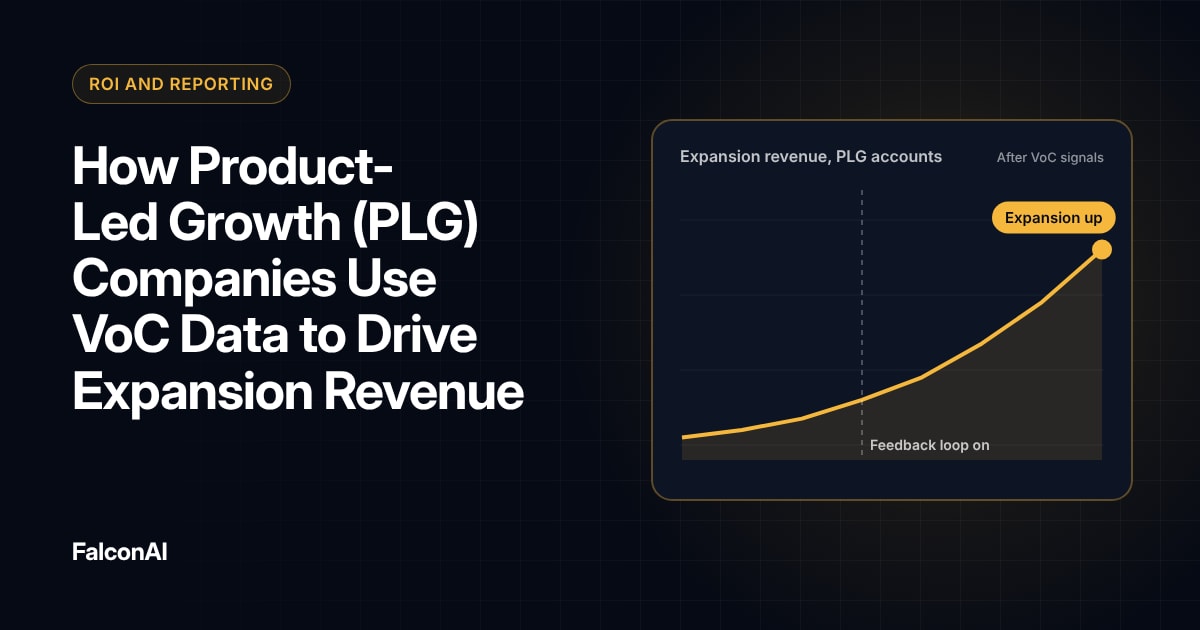
Some trial feedback is a sales lead in disguise. Comments about adding teammates or needing a feature from a higher plan should reach a sales-assist team. Our post on how PLG companies use VoC data covers this in more detail.
Free review snapshot
See what your customers are saying, before you talk to us.
No commitment. We use your details only to send your snapshot and follow up. Privacy policy
Act Fast on What You Learn
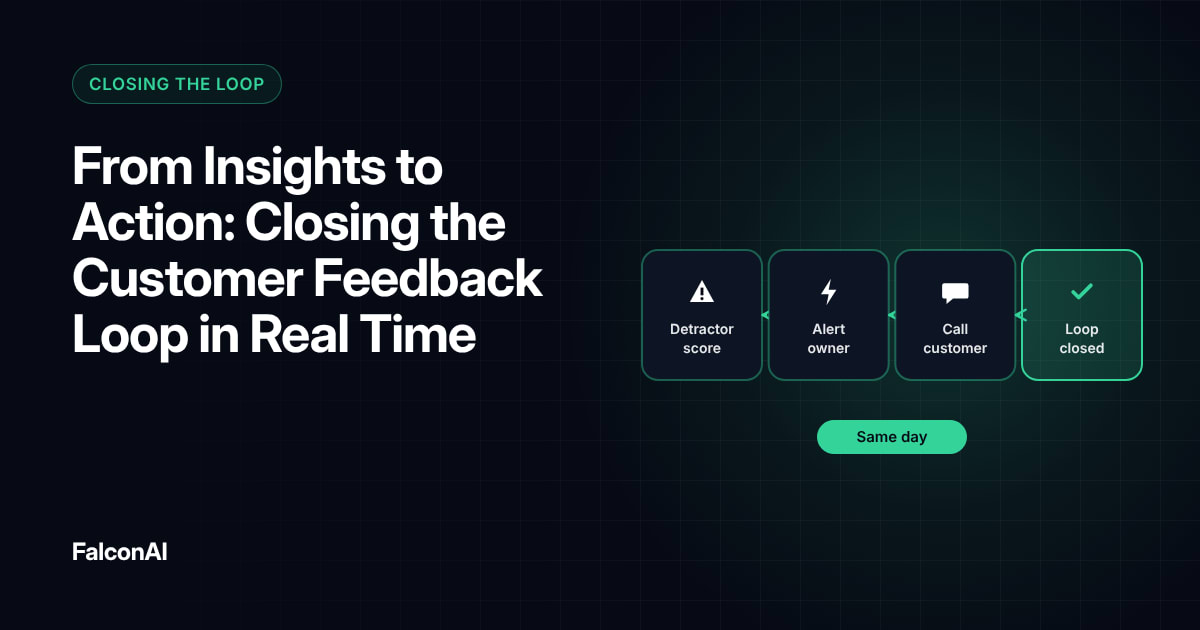
Trials end quickly, so slow fixes don't help the users who complained. Review trial feedback weekly and fix the top issue each sprint. Tell users when you've fixed something they raised, ideally inside the product. Our guide to closing the loop in real time explains how.
Some fixes don't need code at all. A clearer tooltip or a better welcome email can remove confusion in a day. Start with those while bigger changes move through the roadmap.
Measure conversion by theme
Track trial-to-paid conversion for users who mentioned each theme. If users who complain about setup convert at half the rate of everyone else, setup is your biggest revenue leak. You can track trial feedback next to scores in NPS analysis, or book a demo.
Frequently asked questions
When should you ask for feedback during a SaaS trial?
At key moments such as signup, the first key action, paywalls and the end of the trial.
How long should in-app surveys be?
One question with an optional comment box is usually enough during a trial.
Why don't trial users give feedback?
They have no commitment to you yet. Short, well-timed questions make it easy for them to answer.
How do you link feedback to trial conversion?
Join feedback with usage and billing data, then compare conversion rates by feedback theme.
Should sales see trial feedback?
Yes, when it shows buying intent, such as adding teammates or needing a higher plan.
What should you ask users whose trial ended?
Ask one short question about what stopped them from upgrading, with space for a comment.