Long surveys ask a lot of busy customers. A micro-survey asks one question at the right moment and gets out of the way. Done well, it can earn far more answers than a traditional survey.
Why One Question Works
Every extra question gives people a reason to quit. Shep Hyken's 2024 research found that 67% of customers don't complete surveys they consider too long. Hyken's own summary is simple: “in general, short surveys get higher response rates.”
What the benchmarks show
A 2025 study of 1,382 in-app surveys and about 50 million views found an average response rate of 27.52%. One-question polls and simple scales drew more responses than flows with four or more questions. Rates in that range are a solid baseline for in-app feedback. A rate that stays below 10% usually points to a timing or targeting problem.
- 67%don't complete surveys they consider too longSource: Shep Hyken, 2024
- 27.52%average response rate across 1,382 in-app surveysSource: 2025 in-app survey study
Figures as cited in this article
How High Can Response Rates Go?
Rates above 80% are possible when answering takes a single tap at exactly the right moment. Point-of-sale prompts are a good example, with in-store response rates around 90% reported for single questions asked at checkout. Most digital teams land lower, so treat 80% as a goal for your best-placed triggers. Context matters here. A shopper standing at a till with a keypad in front of them is ready to tap. A user deep in a workflow needs a lighter touch.
Know what drags rates down
Blocking pop-ups and vague questions both hurt. Retail feedback entrepreneur Georgina Nelson advises, “Rather than bombarding customers with lots of questions, try limiting your interactions to just one question.”
Rather than bombarding customers with lots of questions, try limiting your interactions to just one question.
Georgina Nelson, retail feedback entrepreneur
Design the Trigger
- Pick one moment that matters, such as finishing setup or closing a support chat.
- Write one clear question tied to that moment.
- Use a tap-friendly scale with labeled ends.
- Add an optional comment box after the rating.
- Show it in a small banner or bottom sheet instead of a full-screen modal.
Keep the follow-up optional
The comment box is where the insight lives. Keep it optional so the rating still counts when people skip it. Test the wording with a few users first. A question that seems clear to your team can confuse customers who don't share your vocabulary. Our guide to AI theme extraction shows how to group those comments at scale.
Design the trigger
- Pick one momentSuch as finishing setup or closing a chat
- Write one questionTied to that moment
- Tap-friendly scaleWith labeled ends
- Optional comment boxAfter the rating
- Small bannerOr bottom sheet, not a full-screen modal
Free review snapshot
See what your customers are saying, before you talk to us.
No commitment. We use your details only to send your snapshot and follow up. Privacy policy
Avoid Overuse
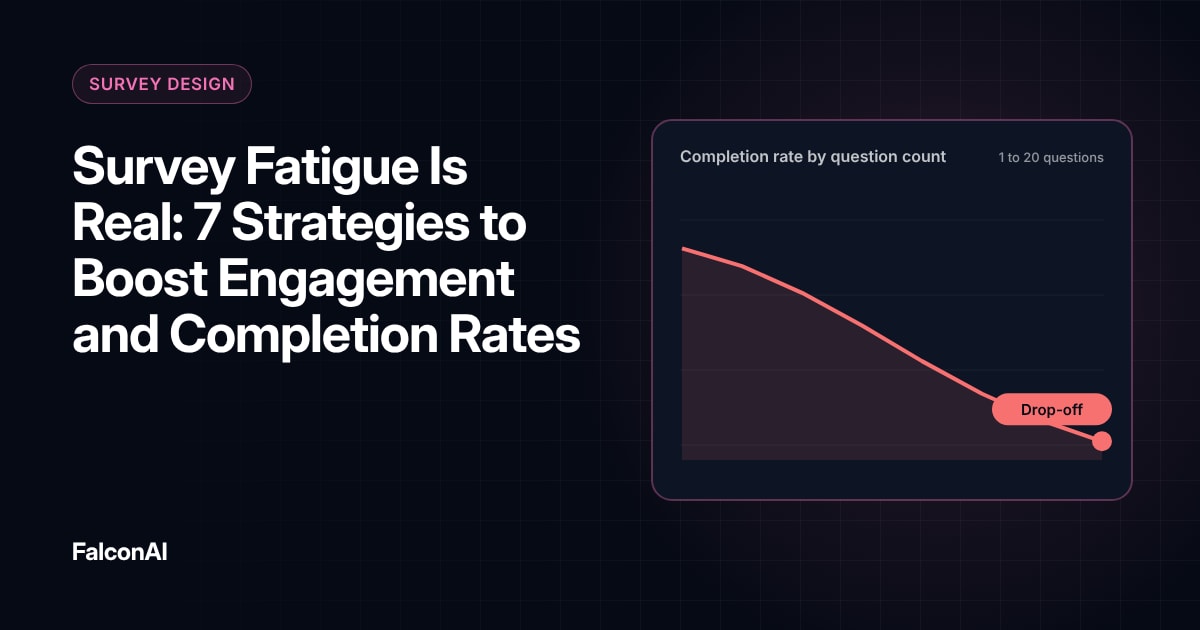
Micro-surveys are easy to launch, which makes them easy to overdo. Set a limit on how often each user sees one. Rotate questions across users so nobody gets asked everything. Track response rates for each trigger, and retire or move any trigger whose rate starts to slip. Our post on survey fatigue covers contact limits.
Connect answers to behavior
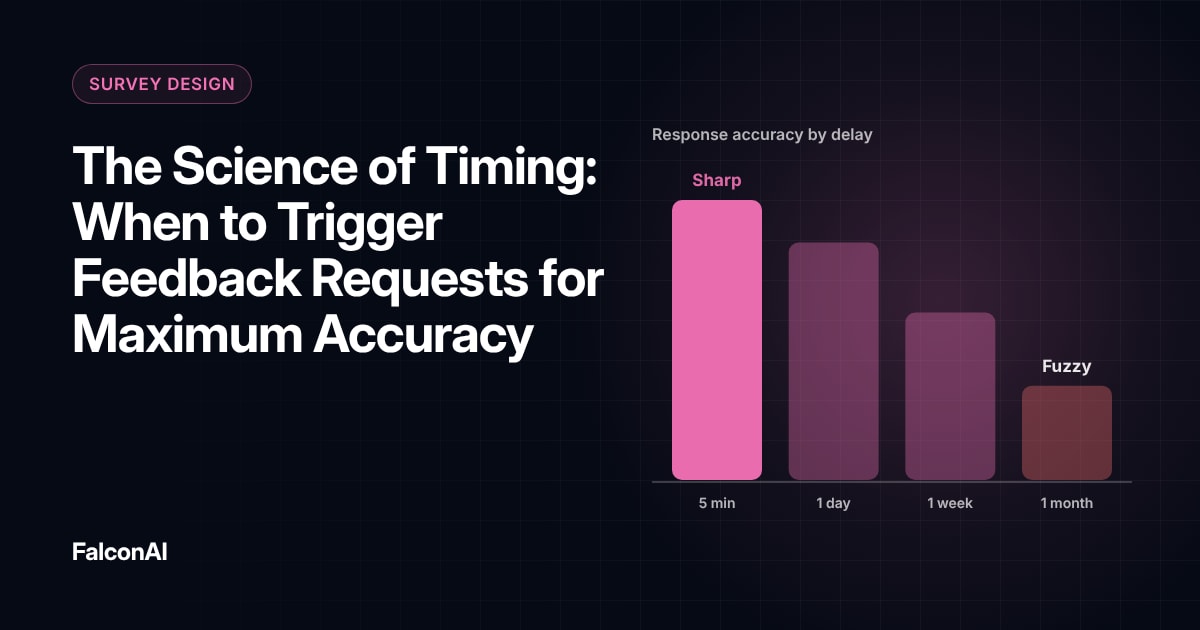
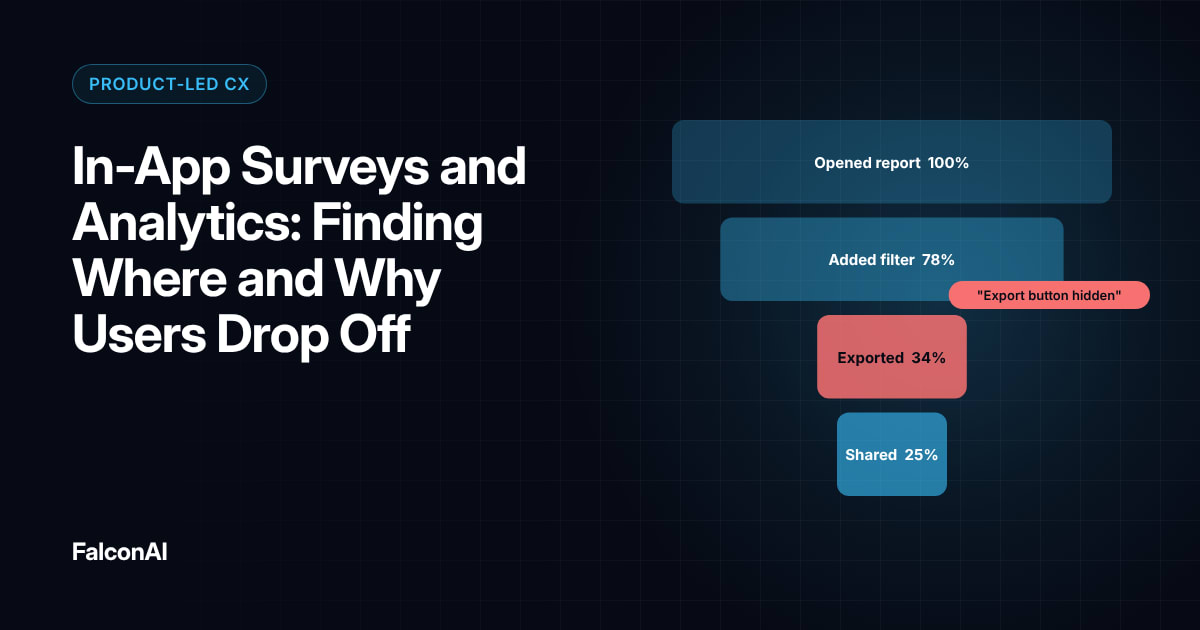
A rating means more when you can see what the user did before and after. A low score right after a failed action tells a very different story from the same score after a success. Our guide to in-app surveys and analytics explains how to pair them. Our post on feedback timing shows when to ask. You can analyze micro-survey comments in CSAT analysis, or book a demo.
Frequently asked questions
What is a micro-survey?
It's a very short survey, usually one question, triggered at a specific moment.
Can micro-surveys really reach 80% response rates?
Yes, in the best conditions, such as one-tap questions asked at checkout. Most in-app surveys average closer to 25% to 30%.
Where should a micro-survey appear?
In a small banner or bottom sheet that doesn't block the user's task.
Should micro-surveys include open comments?
Yes, as an optional follow-up after the rating.
How often should users see a micro-survey?
Set a frequency limit and rotate questions so no user is asked too often.
What's the best question for a micro-survey?
One clear question tied directly to the action the user just took.