Most VoC programs still run on text. Surveys and chat logs are easy to store and analyze. Yet a huge share of what customers say happens out loud, on support calls and in recorded interviews. That feedback often goes unanalyzed.
Voice Is Already Mainstream
Zendesk's 2025 CX Trends Report found that half of consumers have already engaged with voice AI. Among the companies Zendesk classed as CX Trendsetters, 90% see voice AI as the next step in customer communication.
Service teams are moving fast
A 2024 Gartner survey of customer service leaders found that 44% were exploring a customer-facing voicebot. Another 11% were piloting one. As voice channels grow, the feedback inside them grows too.
- Halfof consumers have already engaged with voice AISource: Zendesk 2025 CX Trends Report
- 90%of CX Trendsetters see voice AI as the next stepSource: Zendesk 2025 CX Trends Report
- 44%of service leaders exploring a customer-facing voicebotSource: Gartner, 2024
- 11%of service leaders piloting oneSource: Gartner, 2024
Figures as cited in this article
Why Voice and Video Matter
Spoken feedback carries information that text loses. Tone and pauses reveal how strongly someone feels. A customer who says “it's fine” with a sigh is telling you something a survey score won't show.
Video adds context
Video feedback shows what customers see and do. A short screen recording of a confusing checkout tells your product team exactly where the problem sits. Usability sessions and video testimonials both hold insight that rarely gets analyzed at scale. Ask permission before recording a customer's screen.
How Processing Works
Modern tools turn spoken feedback into data you can analyze:
- Transcribe audio and video into text.
- Tag the transcript with themes and sentiment.
- Add tone signals, such as raised voices or long silences.
- Link each recording to the customer and the interaction.
Keep the original available
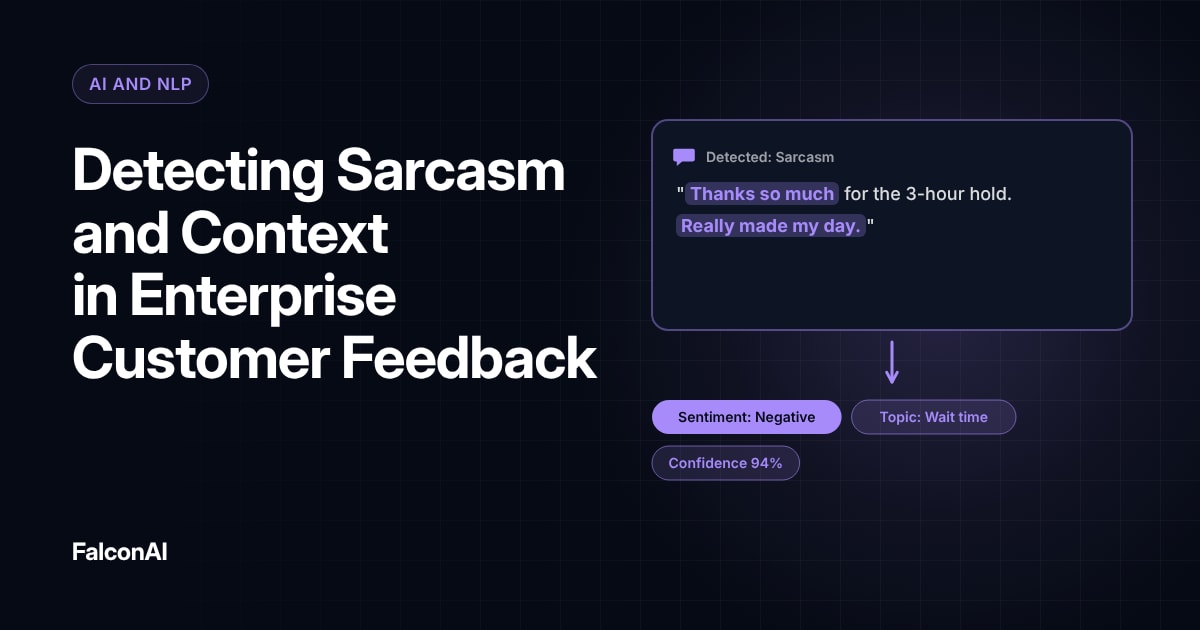
Transcripts can miss sarcasm and emotion. Let analysts jump from a theme straight to the original clip when they need context. Our guide to sarcasm and context in feedback explains what text alone misses.
How processing works
- TranscribeAudio and video into text
- TagThemes and sentiment
- Add tone signalsRaised voices or long silences
- Link the recordingTo the customer and the interaction
Free review snapshot
See what your customers are saying, before you talk to us.
No commitment. We use your details only to send your snapshot and follow up. Privacy policy
Handle Privacy Carefully
Recordings often contain names and account numbers. Tell customers when calls are recorded and why. Mask personal information in transcripts before sharing them widely. Set clear limits on how long you keep raw recordings.
Respect consent rules
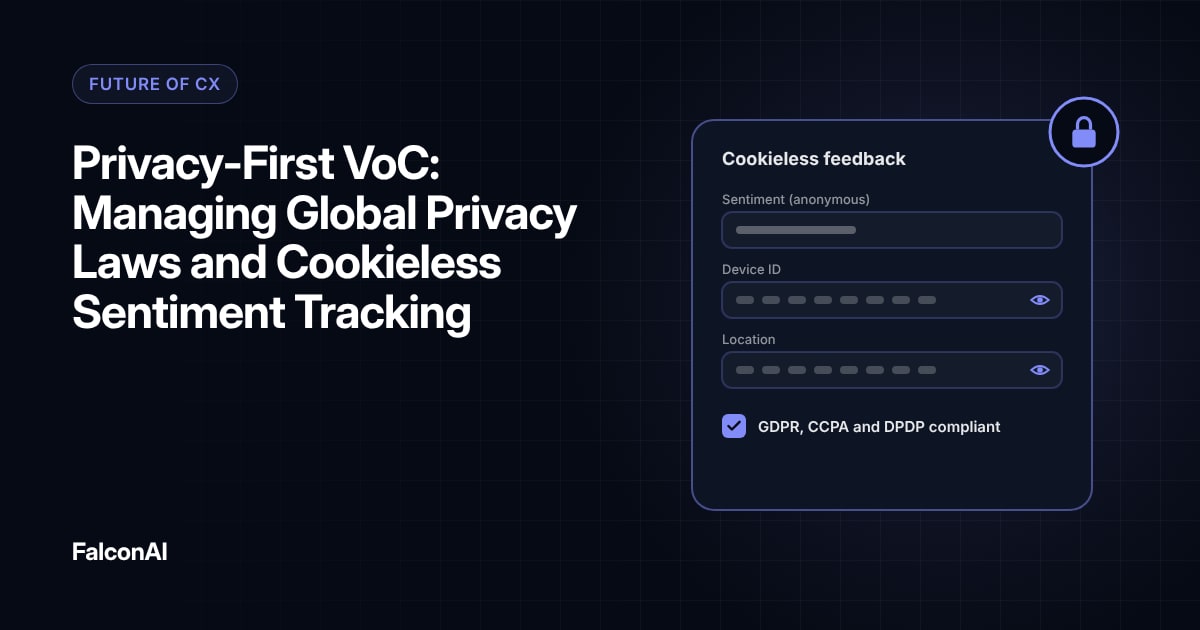
Recording laws vary by region, and some require consent from everyone on the call. Check the rules in each market before you expand voice analysis. Our post on privacy-first VoC covers the wider picture.
Getting Started
Begin with support calls, since they're already recorded in most companies. Run a few weeks of calls through transcription and theme tagging. Compare the themes with what your surveys show. You'll often find issues that never appeared in text feedback. Share a few short clips with product teams, since hearing a frustrated customer often moves people faster than a chart.
Scale with care
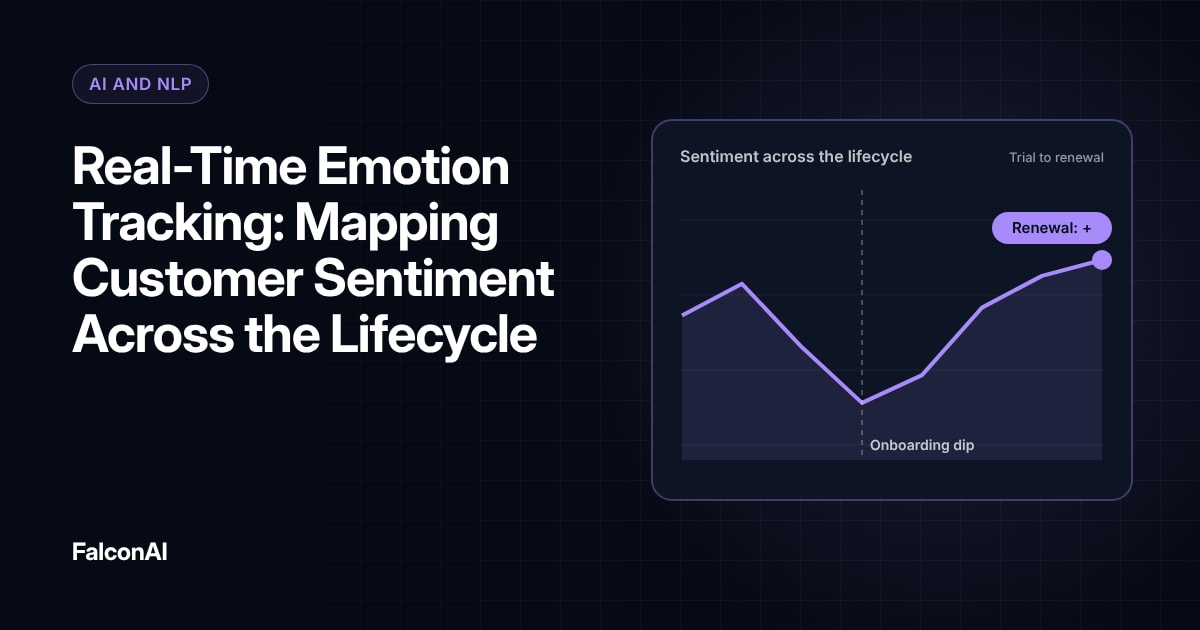
Expand to video once voice analysis is running smoothly. Zendesk CEO Tom Eggemeier has said that “AI should be in service to humans.” Use voice and video analysis to help your team understand customers, and keep people involved in decisions. Our guide to emotion tracking across the lifecycle shows how tone data fits into the bigger picture. You can analyze transcribed calls alongside other feedback in CSAT analysis, or book a demo.
AI should be in service to humans.
Tom Eggemeier, Zendesk CEO
Frequently asked questions
What is voice feedback processing?
It's the process of turning spoken customer feedback into themes and sentiment you can analyze.
Why analyze voice instead of just surveys?
Voice carries tone and emotion, and it captures feedback from customers who never fill out surveys.
How is video feedback used?
Video shows what customers see and do, which helps product teams find usability problems.
Is voice analysis accurate?
Transcription is strong, but tone and sarcasm still benefit from a quick human check of the original clip.
What are the privacy risks?
Recordings often contain personal details, so you need consent and clear retention limits.
Where should you start?
With recorded support calls, since most companies already have them.