Your app store rating is often the first thing a new user sees. A few unhappy reviews can drag it down, even when most users like the app. Sentiment triggers help you ask users at better moments and give unhappy users a direct way to reach you.
Why App Ratings Matter
People check ratings before they download. A low average can cut installs even if your app is good. Ratings also affect how app stores rank and feature apps, so a drop can hurt discovery as well as conversion.
You only get a few chances to ask
Apple limits the system rating prompt to three times in a 365-day period for each user. If you waste those prompts on users who just hit a bug, you'll collect angry reviews and lose the chance to ask again later. Google Play has its own in-app review flow with similar limits, so plan your prompts on both platforms carefully. Treat each prompt as scarce and save it for users who have just had a good experience.
- Three timessystem rating prompts per user, per 365-day periodSource: Apple
Figures as cited in this article
How Sentiment Triggers Work
A sentiment trigger asks a short in-app question at a good moment, then decides what to do next based on the answer. A typical flow looks like this:
- Wait until the user completes a positive action, such as finishing a task.
- Ask a quick question, such as whether they're enjoying the app.
- Show the store rating prompt to users who say yes.
- Offer users who say no an in-app feedback form.
Pick the right moments
Good moments follow success, such as completing an order or reaching a goal. Bad moments follow errors or long waits. Never ask during onboarding, before users have seen the app's value.
A typical sentiment trigger
- Wait for a positive actionSuch as finishing a task
- Ask a quick questionAre they enjoying the app?
- Yes: show the store prompt
- No: offer in-app feedbackA direct way to reach you
Picking the moment
Good moments (the approach the article favours)
- Completing an order
- Reaching a goal
Bad moments
- After errors or long waits
- During onboarding
Treat Unhappy Users as a Priority
Users who say they're unhappy are telling you what to fix. Read their comments every week and group them by theme. Zendesk's 2025 CX Trends Report found that 63% of consumers would switch after one bad experience. In mobile, switching means uninstalling.
Reply and fix fast
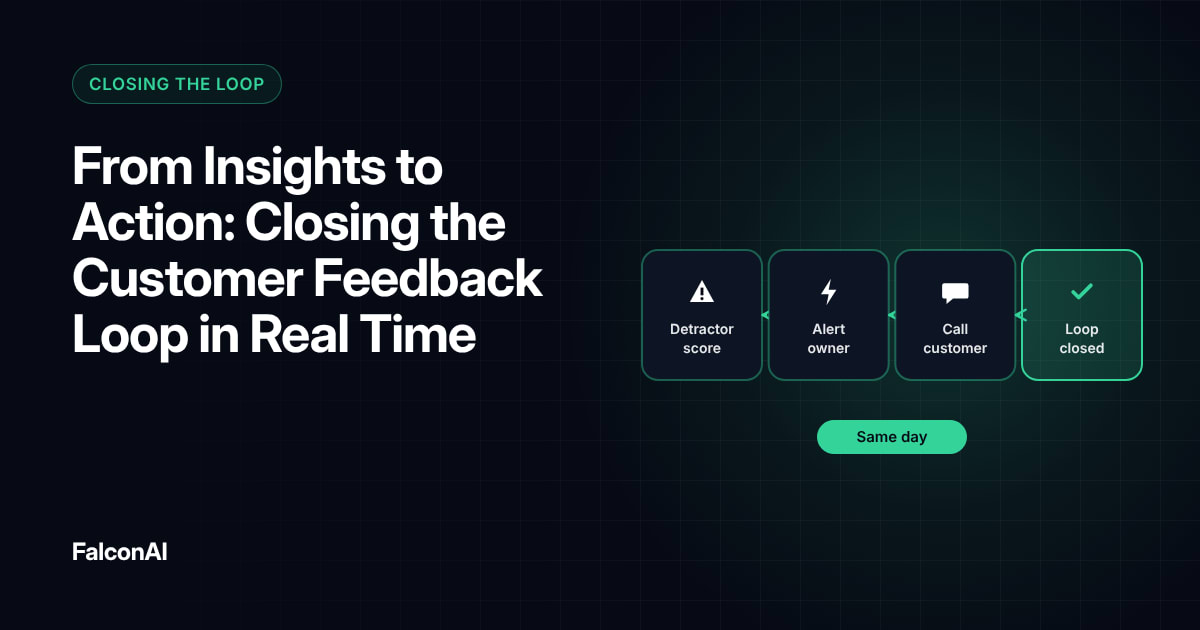
Thank unhappy users for their feedback and tell them when you've fixed their issue. Our guide to closing the loop in real time explains how. Fixes that ship quickly often turn critics into supporters, and some will update their store review on their own. Reply to negative store reviews publicly as well, so future users see that you listen.
Free review snapshot
See what your customers are saying, before you talk to us.
No commitment. We use your details only to send your snapshot and follow up. Privacy policy
Keep It Honest
Ask every user the same first question, and don't hide the store from anyone who wants to leave a review. Both Apple and Google have rules about how apps can request reviews, so check their current guidelines before launch. A rating built on fair prompts holds up better over time.
Track ratings alongside feedback
Watch your store rating next to in-app sentiment. If in-app sentiment drops, your rating will likely follow. Read public store reviews too, since they often mention issues users never report inside the app. Our post on AI theme extraction shows how to spot rising complaints early. You can track in-app sentiment in CSAT analysis, or book a demo.
Frequently asked questions
What is an in-app sentiment trigger?
It's a short question shown at a key moment that decides whether to show a rating prompt or a feedback form.
How often can iOS apps show the rating prompt?
Apple limits the system prompt to three times in a 365-day period per user.
When should you ask users to rate your app?
After a positive moment, such as completing a task, and never right after an error.
What should you do with unhappy users?
Offer them an in-app feedback form and fix the top issues they raise.
Is it allowed to filter who sees the rating prompt?
App store rules change, so check Apple's and Google's current guidelines before you launch any review flow.
How do you know if sentiment triggers are working?
Track your store rating and in-app sentiment together over time.