An EdTech product has at least two audiences. Students use it to learn. Educators use it to teach and track progress. A feature that delights one group can frustrate the other, so you need to hear from both.
Why EdTech Feedback Is Tricky
Survey fatigue is real
Students get surveyed constantly. The National Survey of Student Engagement found that average institution response rates fell from 42% to about 26% between 2000 and 2023. If your product adds more long surveys, expect even fewer answers. The same trend shows up outside education. Qualtrics' 2025 study of how consumers share feedback found that only 32% of people with a bad experience told the company directly.
Buyers are often a third group
In many schools, neither students nor teachers make the purchase. Administrators or district leaders do. They care about outcomes and budgets, so their feedback needs its own channel.
Average institution response rates
Source: National Survey of Student Engagement. Figures as cited in this article
Collect Feedback Where People Already Work
NSSE's research found that posting survey links inside learning management systems was linked to response rates 1.1 to 2.7 percentage points higher. Incentives were linked to rates 3 to 5 points higher. The lesson for EdTech companies is simple. Ask inside the product, where students and teachers already spend their time.
Keep questions short and specific
Ask one question at a time, tied to what the user just did. Ask a student whether an assignment was clear right after they submit it. Ask a teacher whether grading took longer than expected right after they finish.
Tailor Questions to Each Audience
Different groups need different questions:
- Students: clarity and whether they felt supported.
- Teachers: time saved and ease of setup.
- Administrators: adoption across classes and progress toward goals.
- Parents, where relevant: visibility into progress.
Respect age and privacy rules
If your users include children, check the privacy rules that apply in each market before collecting feedback. Keep questions age-appropriate and avoid collecting personal details you don't need. Involve your schools' data protection contacts early, since many districts have their own requirements. Clear answers to privacy questions also make schools more willing to roll your product out widely.
Different questions for each audience
- Students: clarity and support
- Teachers: time saved, ease of setup
- Administrators: adoption and goals
- Parents: visibility into progress
Free review snapshot
See what your customers are saying, before you talk to us.
No commitment. We use your details only to send your snapshot and follow up. Privacy policy
Turn Feedback Into Product Decisions
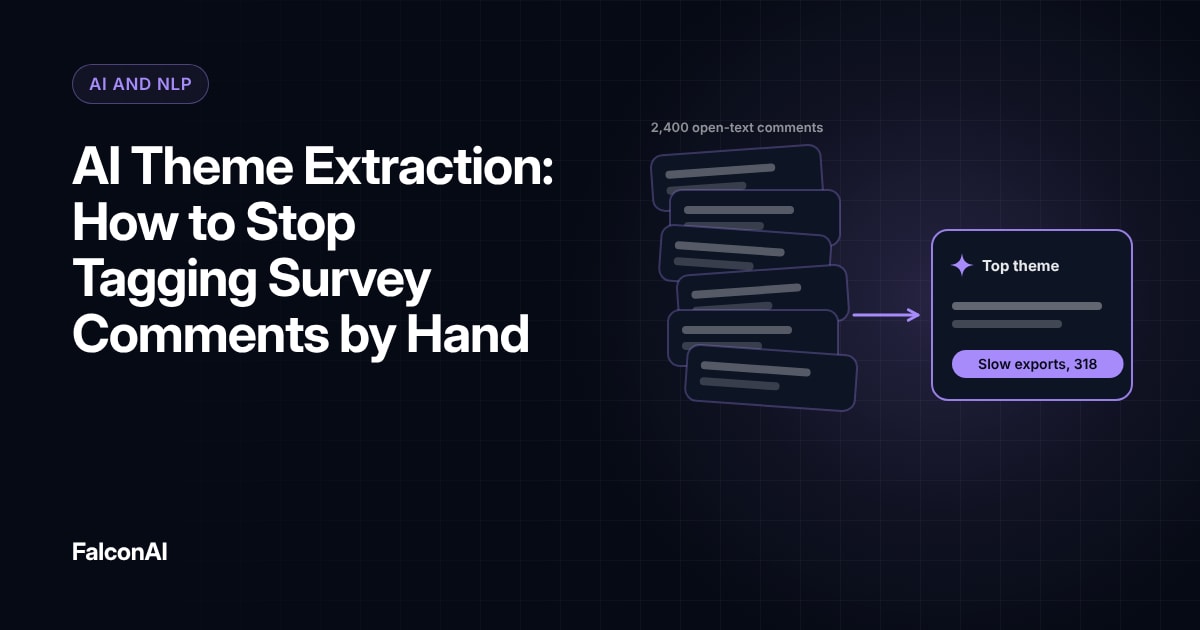
Group comments by theme and audience. A theme that shows up for both students and teachers deserves top priority. Our guide to AI theme extraction explains how to do this at scale.
Timing matters in education. Feedback collected in the first weeks of term shows setup problems. Feedback near exams shows stress points. Plan your release schedule around those moments. Avoid shipping big changes during exam weeks, when teachers and students have the least patience for anything new. Use quieter weeks to test fixes with a small group of classes before you roll them out to everyone.
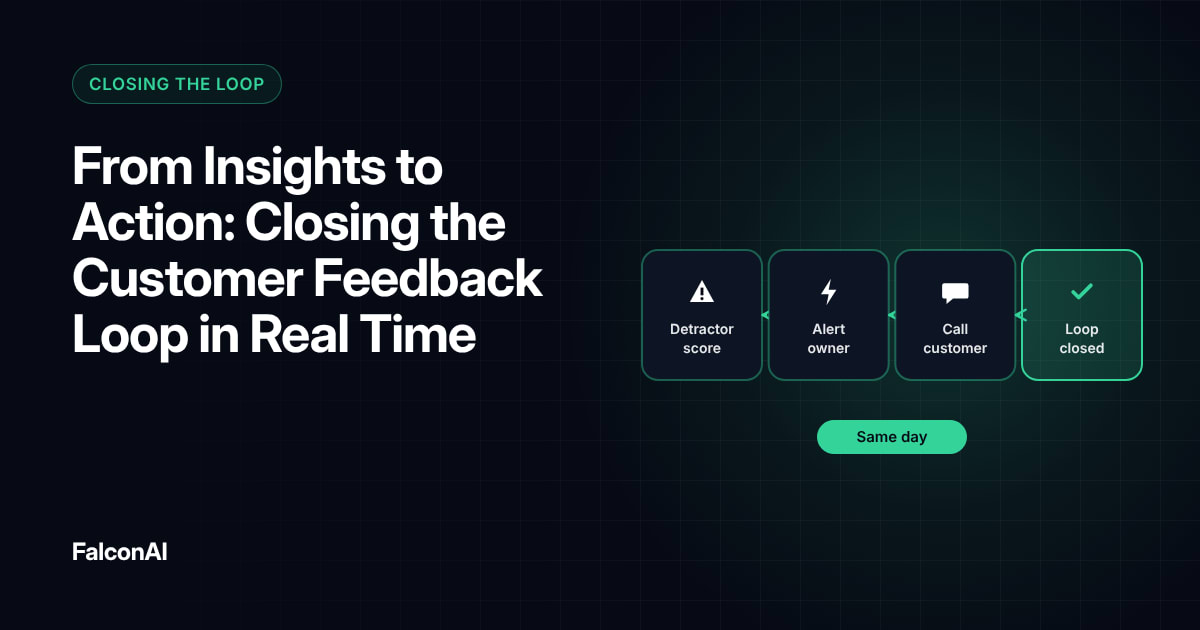
Close the loop each term
School years have natural checkpoints. Share what you changed based on feedback at the start of each term, so users see their input mattered. Our post on closing the loop in real time covers the basics. You can track feedback by audience in CSAT analysis, or book a demo.
Timing feedback to the school year
- First weeks of termFeedback shows setup problems
- Quieter weeksTest fixes with a small group of classes
- Near examsFeedback shows stress points
- Exam weeksAvoid shipping big changes
- Start of each termShare what you changed
Frequently asked questions
Who should EdTech companies collect feedback from?
Students and teachers first, then administrators and parents where it makes sense.
How do you avoid survey fatigue with students?
Ask short questions inside the product, tied to what the student just did.
Where should EdTech surveys appear?
Inside your product or the learning management system, where users already spend time.
What should you ask teachers?
Ask about time saved and how easy the product is to set up.
Are there privacy rules for student feedback?
Yes. Check the rules that apply in each market, especially for children, before you collect any feedback.
How often should EdTech companies share changes?
At the start of each term, so users see how their feedback shaped the product.