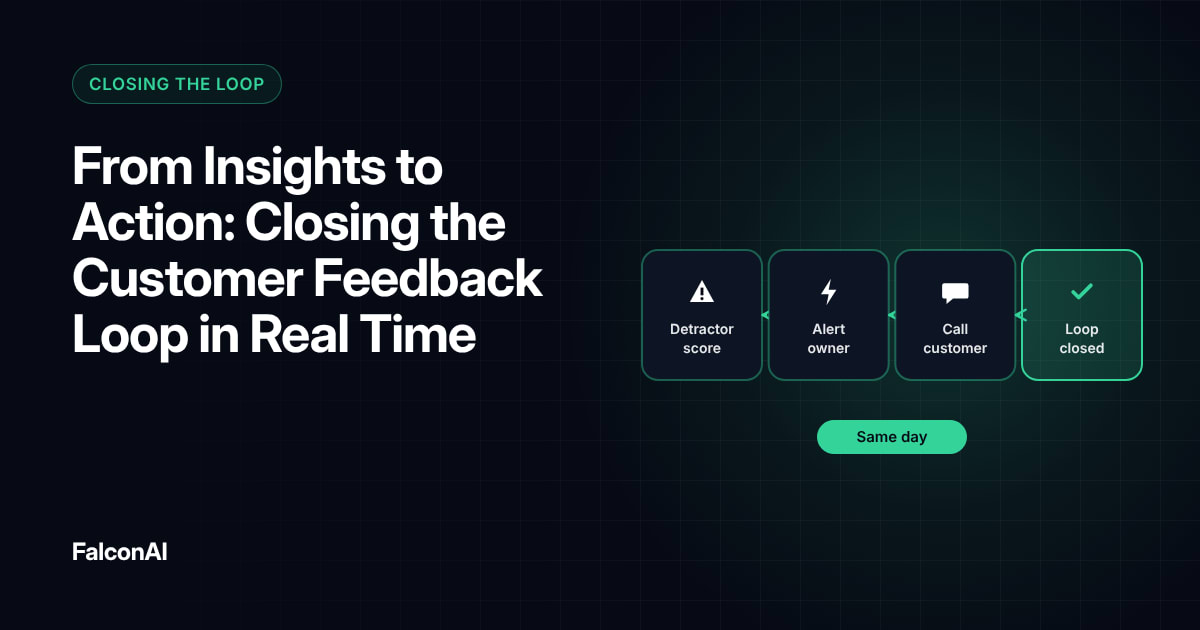
Your team reads a detractor comment on Thursday. The account manager hears about it the following Tuesday. By then, the customer may already be talking to another vendor. Workflow triggers close that gap by acting the moment feedback arrives.
What a Workflow Trigger Does
A trigger is a rule. When a piece of feedback matches a condition, an action fires. For example, when a customer on an annual plan scores 0 to 6, the system creates a task for their account manager and posts the comment in the team's channel.
The rule runs the same way every time, at any hour. Nobody has to remember to check a dashboard or forward an email.
Common trigger conditions
Most teams start with a handful of conditions:
- A score below your detractor threshold
- Negative sentiment on a theme like billing or outages
- Any feedback from a high-value account
- A comment that mentions canceling or switching vendors
A trigger is a rule
- Feedback arrives
- It matches a conditionAn annual-plan customer scores 0 to 6
- An action firesA task for the account manager, the comment posted
Why Manual Follow-Up Breaks
Feedback volume keeps growing. In HubSpot's 2024 State of Service report, 75% of CX leaders said ticket numbers are up. Only 35% said their data is fully integrated with the tools they use. Manual routing depends on someone reading every response and forwarding the right ones, and that doesn't scale.
Manual routing also breaks when people go on holiday or change roles. The inbox fills up, and the oldest comments get skipped.
Delays cost customers
Customers don't wait long. Metrigy research found that 44.4% of consumers stop doing business with a company after an average of 2.4 bad experiences. A comment that sits in a queue for a week can turn into a cancellation.
- 75%CX leaders who say ticket numbers are upSource: HubSpot
- 35%Say their data is fully integratedSource: HubSpot
- 44.4%Stop doing business after 2.4 bad experiencesSource: Metrigy
Figures as cited in this article
Building Triggers That Protect Retention
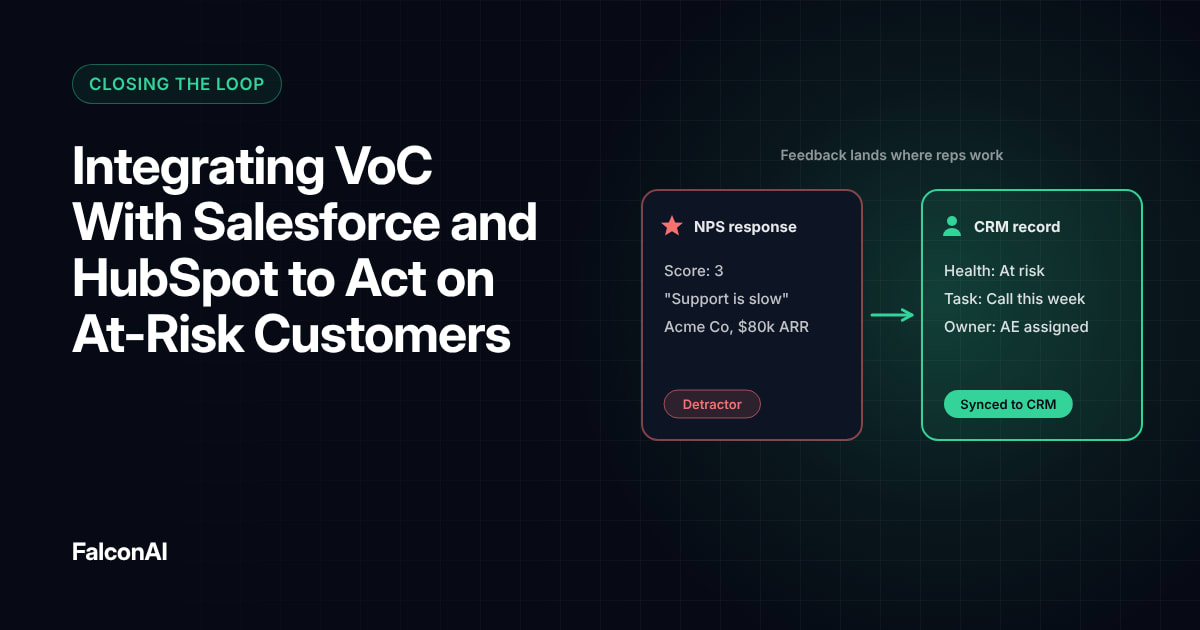
Start with the moments that put revenue at risk, like a detractor score from an account that renews in the next 90 days. Pull account data such as plan and renewal date from your CRM, so triggers can tell a small issue from a big one. Our guide to integrating VoC with Salesforce and HubSpot covers that setup.
Write each trigger as a plain sentence before you build it. For example: when an enterprise customer mentions canceling, alert their account manager and the head of customer success within an hour. If the team can't agree on the sentence, the trigger isn't ready.
Avoid alert overload
Too many alerts and people stop reading them. Send urgent cases right away, and roll the rest into a daily digest. Give each alert one clear owner, so nobody assumes someone else has it covered.
Free review snapshot
See what your customers are saying, before you talk to us.
No commitment. We use your details only to send your snapshot and follow up. Privacy policy
Measuring the Retention Impact
Compare renewal rates for flagged accounts that got a fast follow-up with those that didn't. Track the time from feedback to first action, too. If that time drops and renewals rise, your triggers are working.
Automation handles the routing, and people handle the conversation. Gartner's Kim Hedlin put it this way: “AI and human expertise must work in tandem.”
Review your triggers every quarter
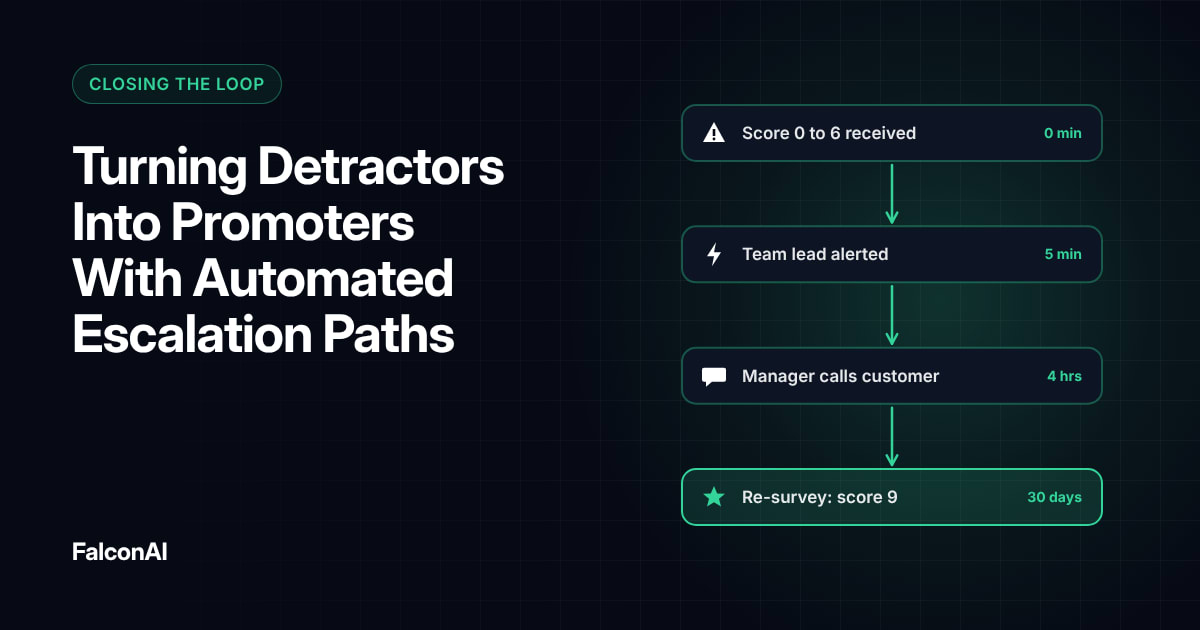
Retire triggers that nobody acts on and add new ones as themes change. For escalation design, read turning detractors into promoters. To see triggers on your own data, explore CSAT analysis or book a demo.
AI and human expertise must work in tandem.
Gartner's Kim Hedlin
Frequently asked questions
What is a VoC workflow trigger?
It's a rule that takes an action, like creating a task or sending an alert, when feedback meets a condition you set.
Which feedback should trigger an alert?
Start with detractor scores and any feedback from high-value accounts.
Can automated triggers reduce churn?
They help by getting at-risk customers in front of the right person sooner. The follow-up conversation is what keeps them.
How many triggers should you start with?
Three to five. Add more once owners are acting on the first set.
Where should trigger alerts go?
Send them to the tools owners already use, like your CRM, helpdesk, Slack or Microsoft Teams.
How do you stop alert fatigue?
Send only urgent cases in real time and group everything else into a daily digest.