Your account managers live in the CRM. Your customer feedback lives somewhere else. So when a key account gives you a 4 on NPS, the person who owns the relationship may never see it. Connecting the two fixes that.
Why Feedback Belongs in the CRM
Disconnected data is the norm. In HubSpot's 2024 State of Service report, only 35% of CX leaders said their data is fully integrated with their tools. Teams with unified data were 225% more likely to say customers get a personalized experience.
Customers notice the gaps. Salesforce's State of the Connected Customer research found that 55% of customers feel they're dealing with separate departments rather than one company, and 56% often have to repeat themselves. When account managers can see recent feedback, they stop asking customers questions the company already has answers to.
What account managers should see
Keep it simple. Show the latest score, the trend over time, the top themes from comments and any open follow-up tasks. That's enough to walk into a call prepared, and it means nobody has to log in to a second tool before a renewal meeting.
- 35%CX leaders with fully integrated dataSource: HubSpot
- 225%Unified data: more likely to report personalized experienceSource: HubSpot
- 55%Customers who feel they face separate departmentsSource: Salesforce
- 56%Often have to repeat themselvesSource: Salesforce
Figures as cited in this article
What to Sync and in Which Direction
Feedback flows into the CRM as fields on the contact and account: score, date, comment and theme. Account data flows back to your VoC platform: plan, contract value, renewal date and owner.
With both directions in place, you can sort feedback by revenue and route it to the right person. You can also report NPS by segment, such as plan tier or region, without exporting anything.
Keep the field list short
Every extra field is one more thing to maintain. Start with the four or five fields your team will use in account reviews, and add more only when someone asks for them. You can always pull older history from the VoC platform when you need it.
What to sync, in both directions
Into the CRM
- Score
- Date
- Comment
- Theme
Back to the VoC platform
- Plan
- Contract value
- Renewal date
- Owner
Automating At-Risk Interventions
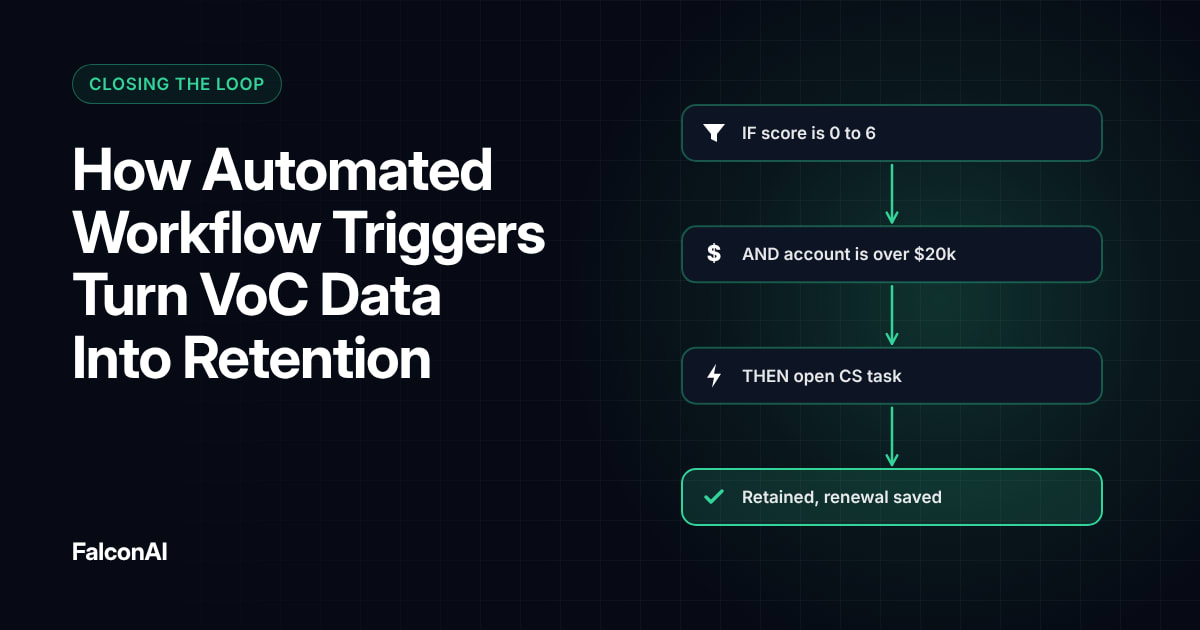
Once the data is in place, set rules in your CRM's workflow tools. A simple one: when a contact on an account that renews within 90 days gives a detractor score, create a task for the account manager and flag the account. Our guide to automated workflow triggers covers more examples.
An example in practice
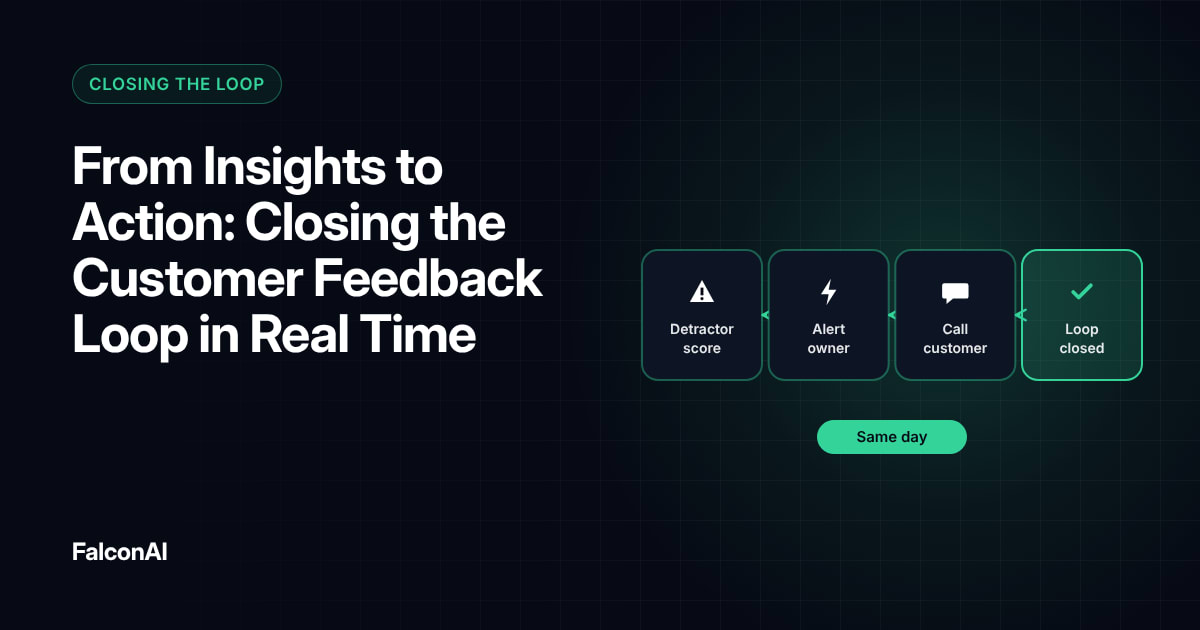
A customer success manager opens Salesforce on Monday and sees a new task. Their largest account scored 3, and the comment mentions slow exports. They call the same day and loop in support to fix it. The customer renews two months later, and the account record shows exactly why.
An example in practice
- MondayNew task: largest account scored 3
- Same dayThe CSM calls and loops in support
- Two months laterThe customer renews
Free review snapshot
See what your customers are saying, before you talk to us.
No commitment. We use your details only to send your snapshot and follow up. Privacy policy
Rolling It Out
Start with one team and one rule. Ask a few account managers what they check before a renewal call, then build the CRM view around that list. Measure how fast owners act and whether flagged accounts renew. Bad experiences happen in every business. “No one's immune,” said Metrigy CEO Robin Gareiss. What changes the outcome is how fast you respond.
Connect your tools
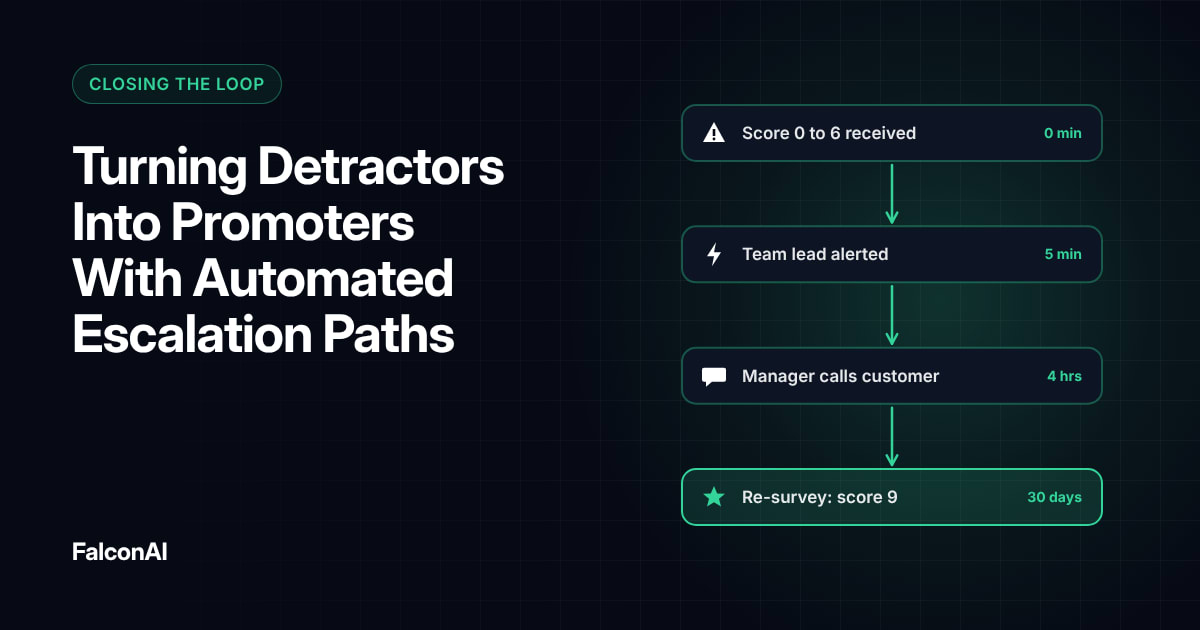
Set up the sync through integrations, then review account-level trends in NPS analysis. For escalation rules, read turning detractors into promoters, or book a demo.
Frequently asked questions
Can you send NPS scores to Salesforce?
Yes. Most VoC platforms can write scores and comments to contact or account fields in Salesforce.
Can HubSpot trigger workflows from NPS feedback?
Yes. Once feedback lands in HubSpot fields, HubSpot workflows can create tasks or send alerts based on the score.
What VoC data should go into the CRM?
Start with the score, response date, comment and top theme for each contact.
How do you identify at-risk customers with VoC data?
Combine detractor scores and negative themes with account data like renewal date and contract value.
Who should own follow-up on CRM alerts?
The account or customer success manager who owns the relationship.
Do you need a developer to integrate VoC and CRM?
Usually not. Many VoC platforms offer prebuilt connectors for Salesforce and HubSpot.